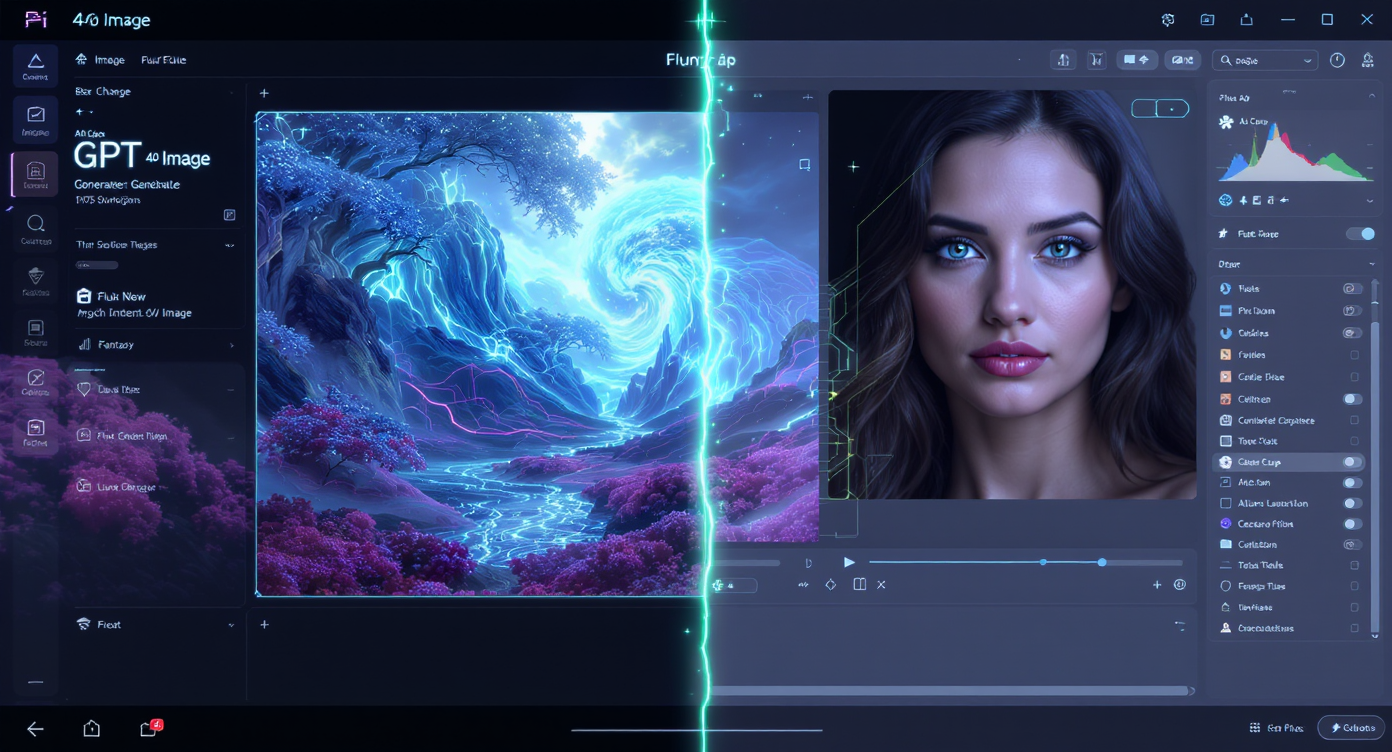
You’ve got a visual idea in your head: a poster for launch day, a product shot that actually pops, or a portrait that just needs that last 10% of polish. Do you generate something brand new, or edit the image you already have? That’s the heart of GPT 4o image vs Flux Kontext—two excellent tools that shine at different moments of your creative process.
- If you want to conjure scenes from a blank canvas with strong text rendering and flexible styles, try the GPT 4o Image Generator.
- If you need precise, context-aware edits that preserve people, products, and layouts, reach for Flux Kontext AI Editor.
Below is a friendly, decision-ready guide with workflows, prompts, and pitfalls to avoid.
What They Are (in plain English)
GPT 4o Image Generator Think “art director that never sleeps.” You describe: “neon-lit alley, rainy reflections, bold title text”—it paints the whole thing from scratch. It’s ideal for posters, concept art, UX mockups with legible on-image text, and fresh campaign visuals when you don’t have source photos.
Flux Kontext Think “expert retoucher who respects your original.” You upload a photo and tell it what to tweak: “remove background clutter, soften specular highlights, keep skin texture, add gentle rim light.” The model edits within your image, keeping identity, proportions, and layout intact.
Strengths at a Glance — GPT 4o Image vs Flux Kontext
| Decision Lens | GPT 4o Image Generator | Flux Kontext AI Editor |
|---|---|---|
| Best at | Creating new images from prompts | Editing existing images precisely |
| Typical inputs | Text prompt (+ optional reference) | Photo or design you already have |
| Text in images | Strong (posters, UI, signage) | Edits existing text areas; not its core |
| Fidelity to original | N/A (it’s new) | High (preserves subject & layout) |
| Ideal projects | Concept art, ads, banners, mood boards | Portrait retouch, product cleanup, background swaps |
Bottom line: For imagination from zero, use GPT 4o Image. For polish without losing reality, use Flux Kontext.
When to Pick Each (with real scenarios)
Choose GPT 4o Image if you’re:
- Designing a poster with large, readable title text.
- Exploring brand mood boards or new product concepts.
- Mocking up landing hero images before you book a photoshoot.
Choose Flux Kontext if you’re:
- Retouching a portrait (keep pores, remove flyaways, gentle color balance).
- Cleaning a product photo (dust removal, realistic shadows, background swap).
- Enforcing catalog consistency (same angle, tone, and background across a series).
Mini-Workflows (so you can feel the difference)
A) New from nothing — GPT 4o Image
-
Open GPT 4o Image Generator.
-
Prompt clearly:
- Subject: “compact espresso machine on a marble counter”
- Look: “morning window light, soft shadows, product-photography style”
- Text: “headline ‘Brew Better’ at top in clean sans serif”
-
Generate 4–8 variations; shortlist 1–2.
-
Iterate: tighten composition, adjust palette, refine the on-image text.
Prompt starter:
“Studio photo of a compact espresso machine on white marble, soft daylight from left, realistic stainless reflections, minimal props, add headline ‘Brew Better’ at top, balanced typography.”
B) Polish what you’ve got — Flux Kontext
-
Open Flux Kontext.
-
Upload your image (JPG/PNG/WebP).
-
Write a focused edit prompt (1–3 changes at a time):
- “Even skin tone; keep pores; reduce under-eye shadow 30%; neutral white balance.”
-
Generate, review, and nudge: “tone down smoothing,” “lighter background,” “retain label text.”
-
Download your final.
Edit starter:
“Natural face retouch, keep skin texture, reduce under-eye shadows by 30%, remove stray hairs, neutralize color cast, gentle contrast.”
Pro Prompts & Tips (that save you hours)
For GPT 4o Image
- Describe lighting (“soft top light,” “golden hour backlight”), camera (“85mm, f/5.6”), and materials (“brushed aluminum with realistic micro-scratches”).
- Use negative cues: “no watermark, no extra logos, no weird hands.”
- If text matters, include placement (“headline centered top, body copy small bottom-left”).
For Flux Kontext
- Start with high-quality inputs (sharp, well lit). Garbage in = garbage out.
- Phrase edits as constraints: “keep label typography sharp,” “maintain true brand green.”
- Iterate in small steps; big multi-change prompts can overcook results.
- For portraits: explicitly say “keep pores/texture” to avoid plastic skin.
A Power Combo You’ll Actually Use
Many teams pair them:
- Generate a hero scene in GPT 4o Image to explore creative directions quickly.
- Refine the winner in Flux Kontext—fix reflections, add contact shadows, align colors with brand swatches, clean edges, and crop for the final layout.
This “create → polish” loop gives you the speed of generative ideation and the reliability of meticulous finishing.
Troubleshooting (because real life happens)
-
“The poster’s headline looks off.” Use GPT 4o Image with explicit type instructions: font mood (modern/serif/sans), alignment, size, and color contrast. Regenerate 1–2 lines at a time.
-
“My product looks different in every shot.” Switch to Flux Kontext and standardize: “consistent soft daylight, 10% vignette removed, neutral gray background, identical crop and horizon.” Save that prompt and reuse.
-
“Skin looks too smooth.” In Flux Kontext, add: “keep pores; reduce smoothing; retain micro-contrast around nose/cheeks.”
-
“Glass/metal reflections look fake.” Ask for realistic reflections and contact shadows in either tool; for edits, Flux Kontext can nudge specular highlights without distorting geometry.
Quick Choose: GPT 4o Image vs Flux Kontext
- Blank canvas, strong on-image text, concepting fast → GPT 4o Image Generator
- Real photo, identity/layout must stay intact → Flux Kontext AI Editor
- Best of both: Generate in GPT-4o, finish in Flux Kontext.
Final Word
You don’t have to marry one tool. Treat GPT 4o Image as your imaginative sketchbook and Flux Kontext as your precision finishing room. Together, they cover the full spectrum—from bold ideas to production-ready images—so you can deliver visuals that both wow and withstand scrutiny.