Loading...
loading...Free Image to Prompt AI Generator
Use the Free Image to Prompt AI Generator to turn a reference image into a written prompt. Capture the subject, composition, lighting, and style, then adapt the result for your next image.
Extract Visual Details with the Free Image to Prompt AI Generator
Convert a reference image into text that describes its subject, composition, lighting, and visual style.

Describe the Main Subject and Composition
Generate a written starting point from the visible subjects, their placement, and the background in your reference image.
Visual Recognition
Style Detection
Detail Extraction

Choose a Prompt Target and Output Language
Select the target model or Universal option, then choose the language for your generated prompt.
Target Model Selection
Universal Prompts
Output Language
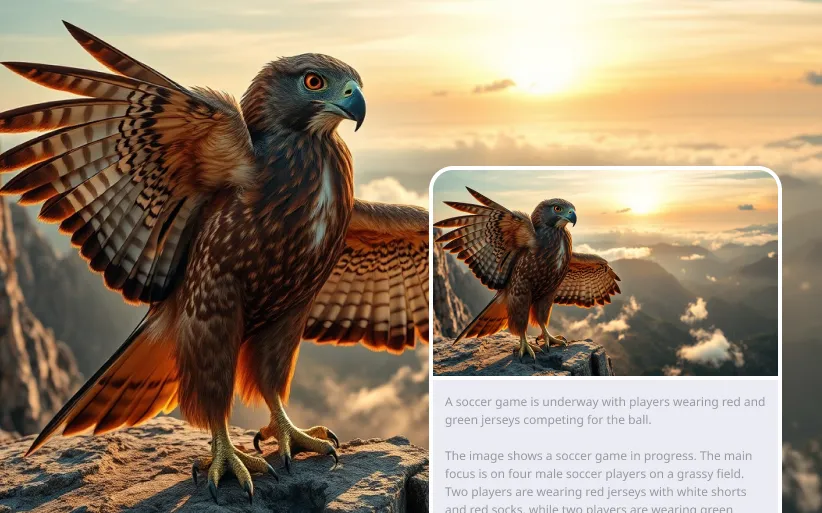
Include Lighting, Color, and Style
Use descriptive details about the image’s lighting, palette, mood, and medium to guide the look of your next generation.
Subject Analysis
Composition Breakdown
Style Recognition
Build a Written Brief with the Free Image to Prompt AI Generator
Start from a visual reference, then edit the generated prompt to communicate the details you want to reproduce or change.
Start from a Visual Reference
Use an image to communicate a look when it is difficult to describe the composition or style from scratch.
Reuse Descriptions Across Creative Tasks
Adapt the generated text into an image prompt, an art brief, or notes for a design discussion.
Get a First Draft of Your Prompt
Generate descriptive wording from your image and refine it instead of writing every visual detail yourself.
Review and Refine Specific Details
Compare the prompt with the reference, correct any missed elements, and add instructions for the changes you want.
Use the Free Image to Prompt AI Generator for Art and Design Briefs
Translate reference photos and artwork into prompt drafts, composition notes, and visual directions for a new project.
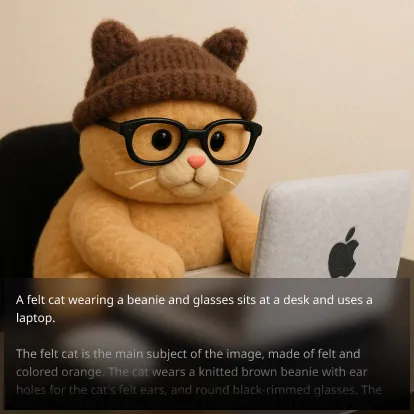
Art Creation
Artists can analyze reference images and get detailed prompts for creating similar artworks or variations.
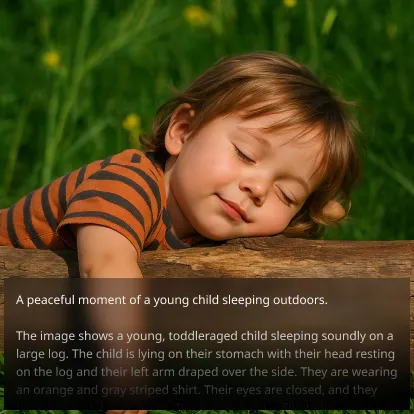
Design Projects
Designers can extract style elements and composition details from inspiration images for project briefs.
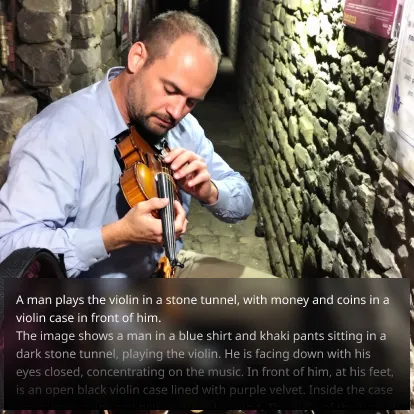
Content Development
Content creators can generate detailed descriptions of visual content for accessibility and SEO purposes.
How to Use the Free Image to Prompt AI Generator on Chat4O.AI
1. Upload Your Image
Upload or drag and drop the image you want to analyze.
2. Choose the Target Model and Language
Select a model or the Universal option and choose the language for the prompt.
3. Generate, Review, and Copy the Prompt
Generate a description, compare it with the image, and copy it as a starting point for your next creative task.