Loading...
loading...Free Image Describer AI for Captions and Visual Details
Upload a photo or enter its URL with Free Image Describer AI. Generate a brief or detailed description, draft a caption, or ask a specific question about the image.
Describe Subjects and Scenes with Free Image Describer AI
Choose a description type or ask a question to turn visible image details into text.

Choose Brief or Detailed Image Descriptions
Describe visible subjects, objects, setting, and composition. Choose a brief overview or a longer description depending on how you plan to use the text.
People Recognition
Object Detection
Scene Analysis

Ask a Specific Question About an Image
Ask about an object, a visible action, or the background. The generated answer uses the image as context; check important details against the original.
Custom Question Support
Content-Based Responses
Interactive Image Analysis
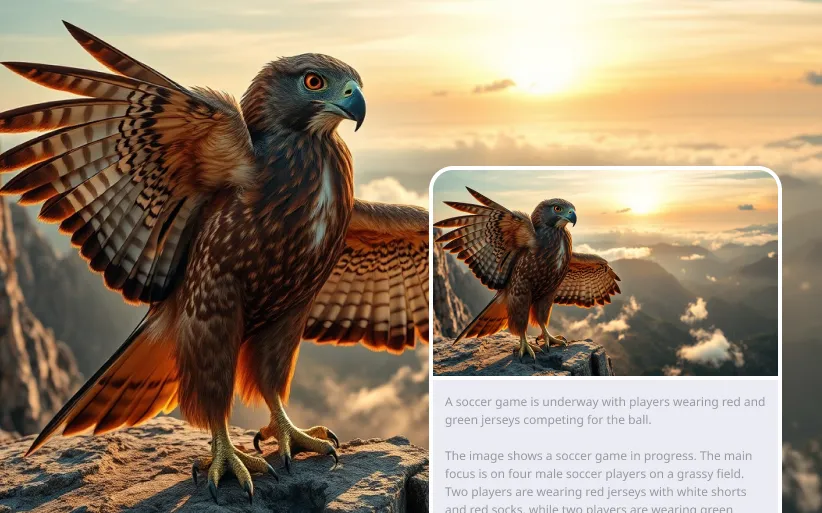
Turn Visual Details into Prompt Ideas
Use a description of the subject, lighting, and composition as a starting point for an image-generation prompt. Edit the wording before using it in another tool.
Keyword Prompt Generation
Reusable Prompt Details
Style Descriptions
Choose How Free Image Describer AI Explains Your Photo
Get a description, caption, or focused answer from the same image by changing the output type.
Move from an Image to a Written Draft
Translate visible details into descriptive text that you can review, edit, and reuse in your content workflow.
Focus on the Details You Need
Use a custom question to direct the description toward a specific subject or area instead of requesting a general overview.
Privacy & Security
Uploaded images are analyzed instantly and deleted after description generation. No data is stored, and there are no leaks, ensuring user privacy.
Draft Captions and Product Copy
Choose a caption or marketing-copy mode to produce a first draft from your uploaded image.
Use Free Image Describer AI for Captions and Content Drafts
Turn photos into descriptive drafts for social posts, product listings, and visual research.
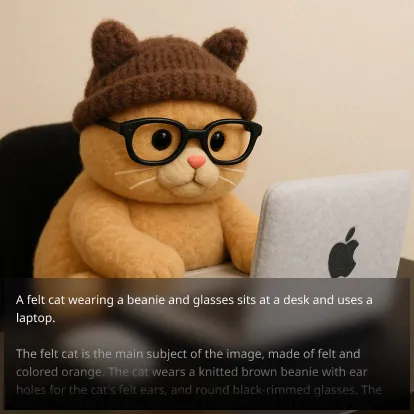
Image Analysis
Researchers and journalists can use AI to extract core information, object details, and background clues from images to aid in research or news analysis.
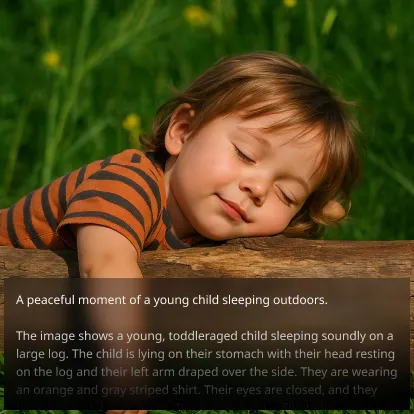
AI Art Assistance
Artists and AI creators can convert existing images into prompts for AI art platforms like Flux, quickly sparking creative inspiration.
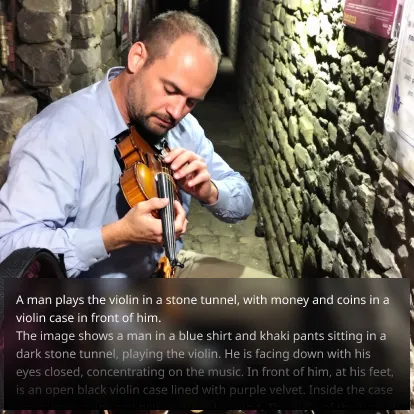
Draft Social Media Captions
Upload a post image and generate a caption draft. Adjust the voice and wording to fit your audience before sharing.
How to Use Free Image Describer AI on Chat4O.AI
1. Upload Your Image
Select any image you want to analyze.
2. Choose a Description Type and Language
Select a brief description, detailed description, caption, or custom question, then choose the output language.
3. Get Your Content
Receive a detailed text description ready to use.