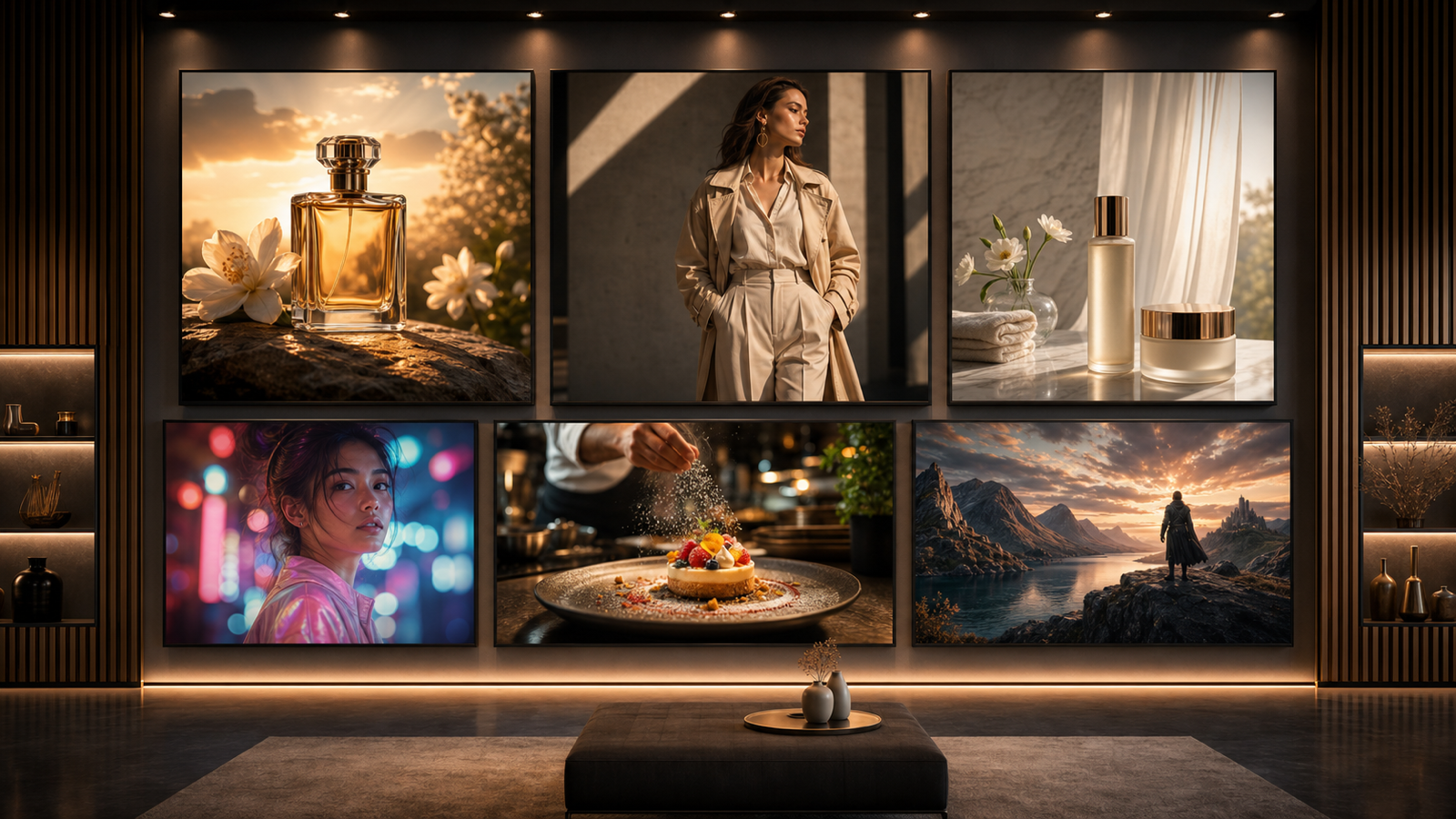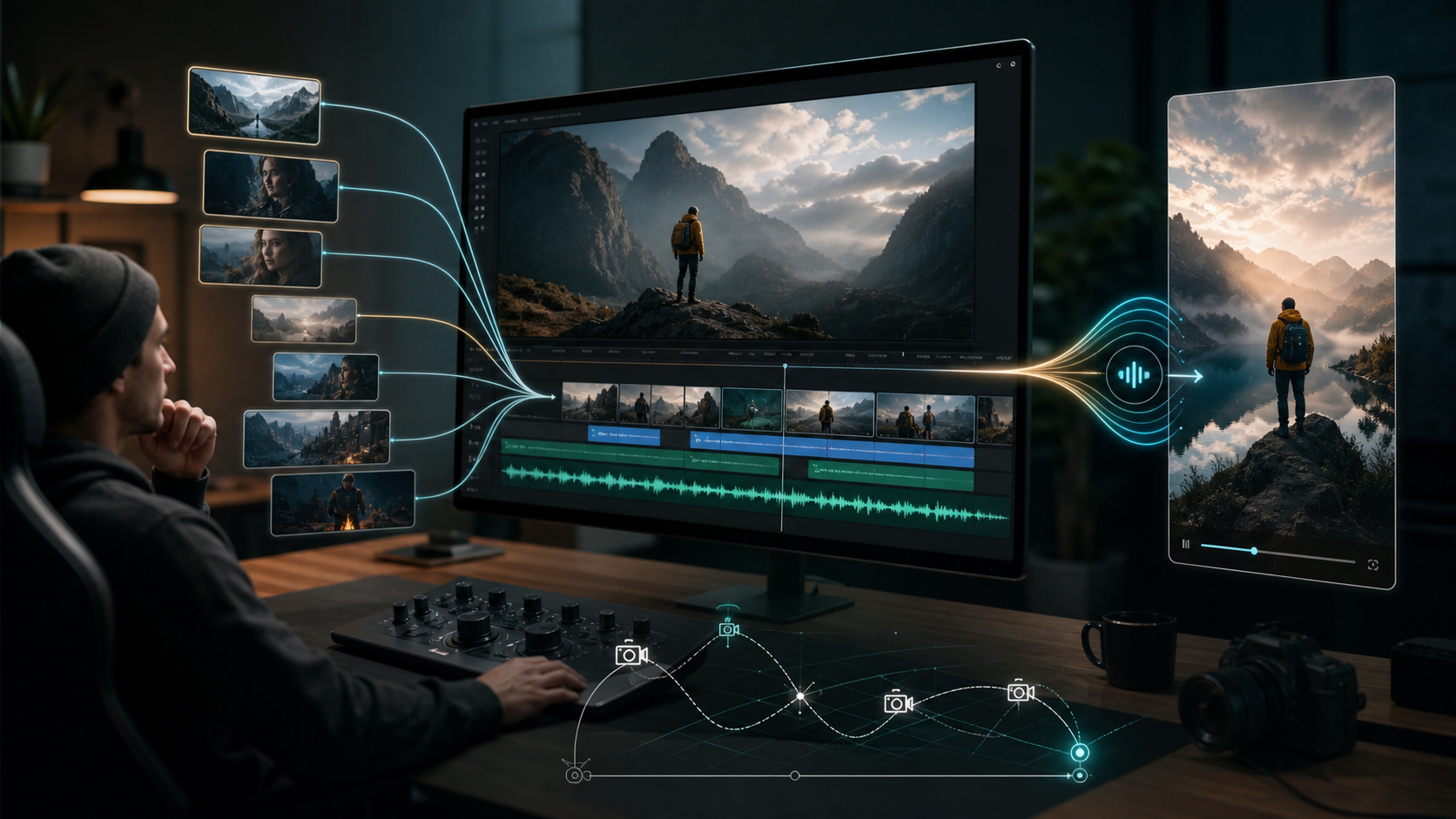
Vidu Q3 AI matters because AI video generation is moving from short visual experiments toward more complete creator workflows: longer clips, native audio-video output, camera direction, and story continuity. For creators, marketers, and small teams, the practical question is not only whether the vidu q3 ai video generator looks impressive, but whether it can reduce the number of separate tools needed to make short-form ads, social posts, product clips, and narrative scenes.
Quick Summary
The vidu q3 ai latest update appears important because Vidu now presents Q3 around native audio plus video in one generation, up to 16-second clips, audio-video sync, multilingual output, multi-speaker dialogue, and frame-aware camera control. That combination points toward a more useful AI video workflow for creators who need timing, sound, and multi-shot storytelling instead of isolated animated moments.
This article explains what appears new, how Vidu Q3 compares with current Vidu 2.0 workflows, and how an independent all-in-one platform such as Chat4O AI can help users test today's AI video generator workflows while following Vidu Q3 updates. It does not claim that Chat4O officially provides Vidu Q3 unless that is confirmed on Chat4O's own website.
Why Vidu Q3 AI Matters for Creators Now
Vidu Q3 AI matters because short-form video production is becoming less about "generate a cool clip" and more about "generate a usable sequence." A creator may need a product reveal, a character reaction, a camera move, a sound cue, and a clean final frame for captions. If those pieces are produced separately, the workflow quickly becomes slow and fragile.
Vidu's official Q3 page positions the model around direct audio-video output, 16-second generation, audio-video sync, camera control, multilingual output, and multi-speaker conversation. Those are practical signals. A longer clip gives enough room for setup and payoff. Native sound reduces sound-stitching work. Camera control helps creators prompt movement with more intention.
For vidu q3 ai for creators, the real value is workflow compression. A model that can better combine scene, timing, motion, and sound can help creators reach a reviewable draft faster, especially for short-form social content, narrative ads, and cinematic concept videos.
What Appears New in the Vidu Q3 AI Latest Update
The most important change is that Vidu Q3 appears built for more complete short-form storytelling, not just visual motion. According to Vidu's official Q3 page, the model can generate a full clip with visuals, dialogue or voiceover, sound effects, and music together, with single-generation clips up to 16 seconds.
For practical users, the update points to several useful workflow gains:
- Longer short-form generation: A 16-second window can hold an opening shot, motion beat, cutaway, reaction, and final branded frame.
- Native audio-video sync: An ai video generator with audio sync can reduce manual matching between speech, music, effects, and motion.
- Smart cuts and scene timing: Even when "smart cuts" is used as a workflow term rather than a named official feature, the need is clear: creators want scene transitions and action beats that feel intentional.
- Cinematic camera control: Camera language such as push-in, tracking shot, orbit, handheld, and close-up can make generated clips feel directed.
- Multi-shot storytelling: Creators can plan a sequence instead of relying on one animated image.
- Image-to-video creation: Reference images can anchor style, subject identity, and product appearance.
- Creator-friendly ad and social workflows: Short, sound-ready clips are closer to Reels, TikTok, Shorts, paid social, and product teaser formats.
The caveat is important. A model page can describe capabilities, but real production quality still depends on access, prompt design, source assets, model settings, review, and editing. Treat Vidu Q3 as a promising direction for AI video generation, not as a guarantee that every result will be publish-ready without human judgment.
Vidu 2.0 vs Vidu Q3 AI: What Changes in the Workflow
The best way to compare Vidu 2.0 vs Vidu Q3 AI is to look at the job each model helps a creator repeat. The Vidu 2.0 AI Video Generator remains useful for creators who want current text-to-video or image-to-video experimentation, especially when they are testing motion, visual tone, and fast concept drafts. Vidu Q3 appears to push further toward native sound, longer short-form structure, and camera-directed storytelling.
In a vidu ai video model comparison, the useful question is not "which model wins?" It is "which model reduces editing time for this specific project?"
Choose a Vidu 2.0 workflow when you want to test short motion ideas, animate a still image, or build a repeatable vidu 2.0 image to video workflow around product photos, character stills, or mood boards. Watch Vidu Q3 more closely when your project depends on dialogue, sound effects, music timing, multi-person conversation, or a more complete short narrative in one generation.
That distinction keeps the comparison practical. Vidu 2.0 may be easier to test in today's available workflows, while Vidu Q3 is the update to follow if your next bottleneck is audio, continuity, and directed scene pacing.
How Image to Video AI Fits Cinematic Clip Creation
Image to video AI is one of the most useful entry points because it starts from an asset the creator already controls. A product photo, character design, food image, room render, fashion shot, or campaign visual can become a motion test without rebuilding the look from scratch.
For image to video ai for cinematic clips, prompt in layers. First describe the subject movement. Then describe the camera movement. Next add lighting, atmosphere, and the final frame. For example, a sneaker product photo could become a slow macro push-in, water reflections on the sole, a quick dust kick, and a final still frame with clean space for ad copy.
The best way to convert images into videos with ai is to keep each test focused. Run one version for camera motion, one for background movement, one for product stability, and one for social pacing. This makes the image to video ai workflow for creators easier to evaluate because you are not asking one prompt to solve composition, motion, sound, and ad structure at the same time.
For deeper tutorials, Chat4O's related guides on animating a still image with Vidu 2.0 and using an image-to-video AI tool to make pictures move are good companion reads.
Choosing an AI Video Generator for Social Media Ads
The best ai video generator for short clips is the one that fits the publishing format and review process, not the one with the longest feature list. A team creating social media ads needs fast iteration, recognizable subjects, clear motion, sound options, vertical framing, and room for captions or overlays.
Use an AI Text to Video Generator when the idea begins as a scene brief, hook, script, or campaign concept. Text-to-video is useful for testing ad angles, story ideas, creator hooks, and speculative scenes before you commit to final assets. Use an AI Image to Video Generator when brand control matters more, especially for product images, characters, locations, and visual identities that need to stay consistent.

Chat4O AI fits naturally into this stage as an independent all-in-one AI creation platform. Users who want to test current video workflows while monitoring Vidu Q3 updates can compare available directions such as Vidu 2.0 AI Video Generator, Google Veo 3.1 AI Video Generator, Kling 3.0 AI Video Generator, and Seedance 2.0 AI Video Generator. That recommendation is about workflow testing, not a claim that Chat4O officially provides Vidu Q3.
For an ai video generator for social media ads, test each model with the same brief: product, audience, hook, shot length, format, camera style, audio need, and final frame. This gives you a more useful comparison than judging unrelated demo clips.
A Practical Vidu Q3-Style Prompting Workflow
A Vidu Q3-style workflow should start with a shot plan before the prompt. More capable models still need clear direction, especially when the clip includes camera movement, sound, scene changes, and a social-ready ending.
Use this compact structure:
- Define the format: vertical ad, cinematic teaser, product reveal, narrative short, tutorial intro, or creator hook.
- Set the visual anchor: uploaded image, product description, character description, or environment.
- Describe the sequence: opening frame, action beat, cut or transition, reaction, and final frame.
- Add camera language: close-up, dolly-in, tracking shot, orbit, handheld, macro, low angle, or crane-style movement.
- Add audio intent: dialogue, voiceover, ambient sound, music mood, sound effect, or no speech.
- Add constraints: keep the logo readable, preserve product shape, avoid extra objects, maintain face consistency, and leave space for captions.
Here is a practical example:
Vertical 9:16 product reveal of a matte black smartwatch on a reflective desk. Start with a macro close-up of the watch face, then slow dolly-out as a notification light appears. Add soft studio lighting, subtle electronic music, one clean notification sound, and a final frame with empty space at the top for headline text. Keep the watch shape stable and avoid extra text on the screen.
This kind of prompt helps any AI video generator understand the clip as a directed scene rather than a loose visual request.
Recommended Reading for AI Video Workflows
Use the following guides when you want to go deeper into specific workflows and model comparisons:
- How to Use Text to Video AI Free Online with No Sign-Up Needed
- Grok Imagine AI Video Generation on Chat4O: A Step-by-Step Tutorial + Ready-to-Use Prompts
- Comparing Sora 2 AI Video Generation by ChatGPT with Top Chat4O Models
- How to Use HeyDream AI's Text-to-Video Generator
- Veo 3.1 Video Generation Guide: How to Create Cinematic Clips
- Vidu Q3 AI vs Kling 3.0: Which AI Video Model Should You Use on VideoWeb AI?
- Which Vidu Model Is Best? Q1 vs Q2 vs Q3 Explained
- Wan 2.7 Prompt Tips: How to Make AI Videos Feel More Human and Realistic
- SeaImagine AI Text-to-Video Guide
- How to Use the AI Music Video Generator: A Detailed Guide from Song to Video
Treat these resources as workflow references, then test with your own prompts and assets. AI video quality is highly context-dependent, so the same model can behave differently across product shots, human scenes, cinematic clips, and ad formats.
FAQ
What is Vidu Q3 AI?
Vidu Q3 AI is Vidu's newer video generation model presented around native audio-video generation, up to 16-second clips, audio-video sync, multilingual output, multi-speaker dialogue, and camera control. Creators should verify current access and details on official Vidu channels before planning production around it.
Is Vidu Q3 AI available on Chat4O AI?
This article does not claim that Chat4O AI officially provides Vidu Q3. The public Chat4O pages checked for this article show current video workflow options such as text to video, image to video, Vidu 2.0, Veo 3.1, Kling 3.0, and Seedance 2.0. Use Chat4O AI as an independent platform for testing current creation workflows while following Vidu Q3 updates separately.
What is the difference between Vidu 2.0 and Vidu Q3 AI?
Vidu 2.0 is practical for current short-clip and image-to-video testing. Vidu Q3 appears more focused on longer short-form generation with native audio, dialogue, sound effects, music, multi-speaker conversation, and camera-directed storytelling. The practical difference is how much audio assembly and editing may be needed after generation.
Which workflow is better: text to video or image to video AI?
Text to video is better when the project starts from a written concept, script, or scene description. Image to video AI is better when you already have a product shot, character image, brand asset, or visual reference that needs controlled motion.
How should creators compare AI video models fairly?
Use the same prompt, source image, aspect ratio, duration target, audio requirement, and success criteria across models. Compare motion quality, subject consistency, camera control, audio sync, editing time, and how close the result is to your intended social or ad format.
Conclusion
Vidu Q3 AI is worth following because it points toward a more production-aware stage of AI video generation: longer short clips, native audio-video sync, smarter scene timing, cinematic camera control, multi-shot storytelling, and workflows that better match creator needs. The smart approach is to track official Vidu Q3 updates while using platforms like Chat4O AI to test current tools, including Vidu 2.0, Veo 3.1, Kling 3.0, Seedance 2.0, text-to-video, and image-to-video generation.
If your goal is practical output, build a repeatable workflow now: prompt, source image, shot plan, audio intent, review criteria, and final edit. As Vidu Q3 and other AI video models become more accessible, you can update the model layer without rebuilding the whole creative process.