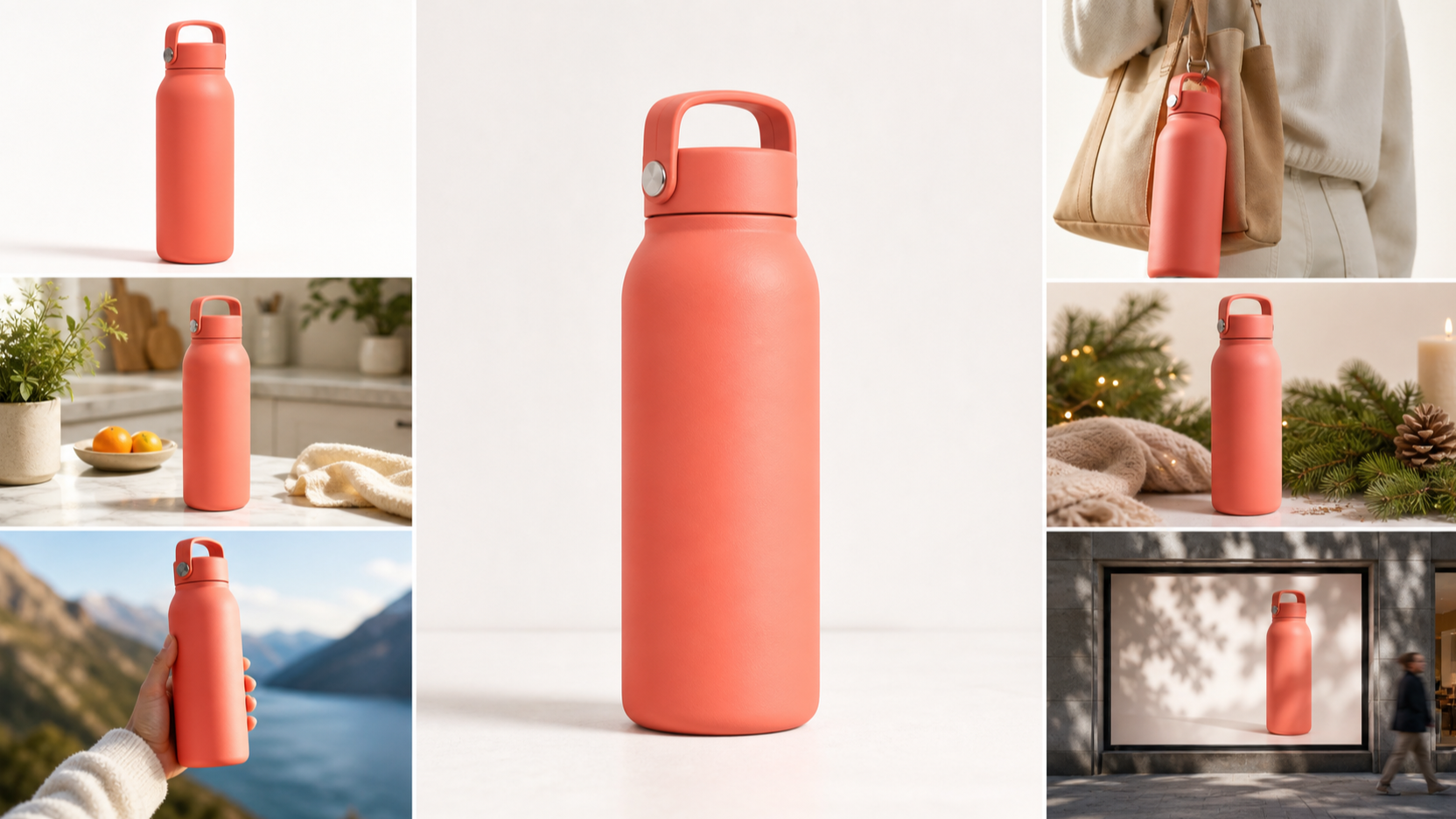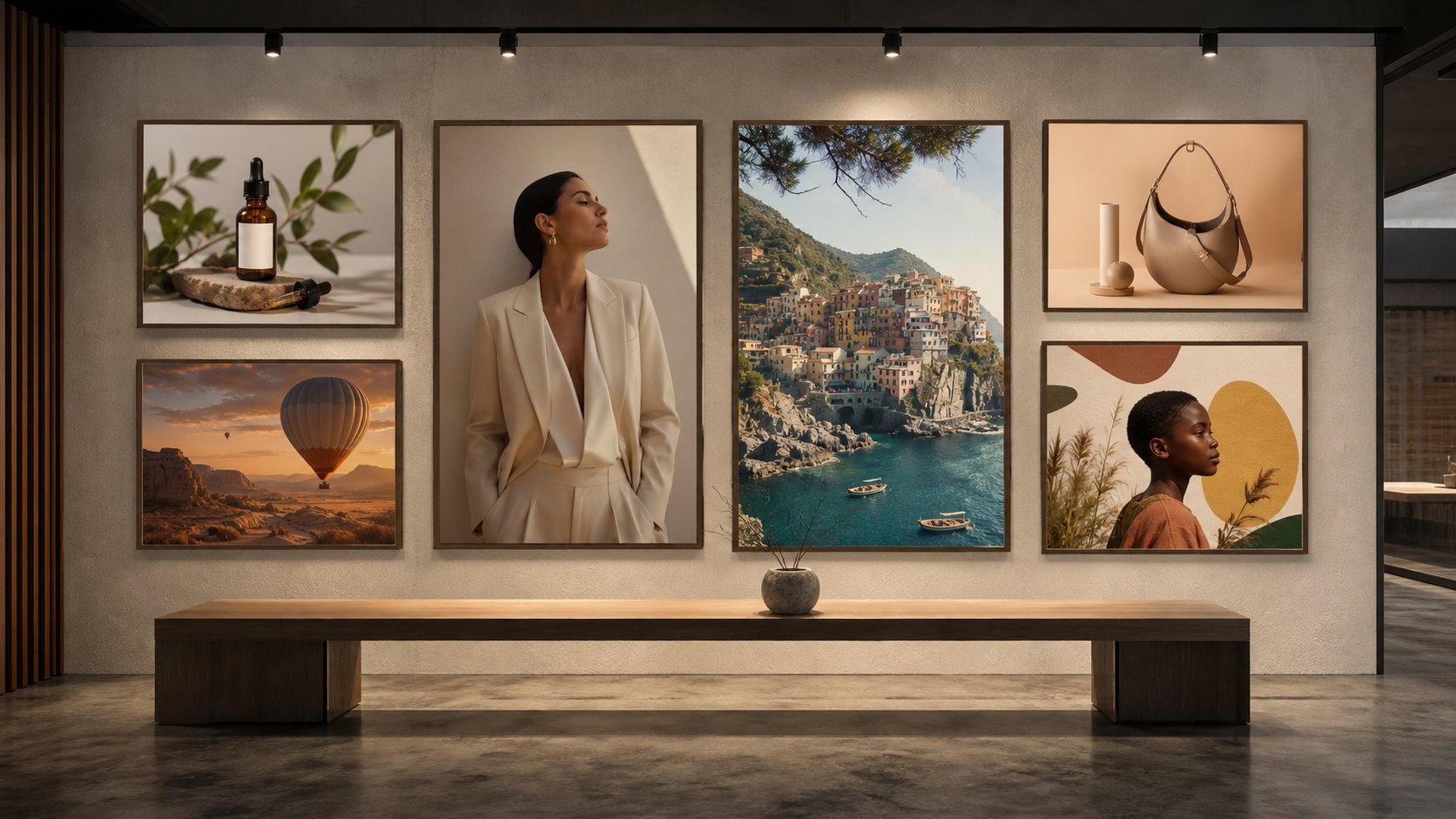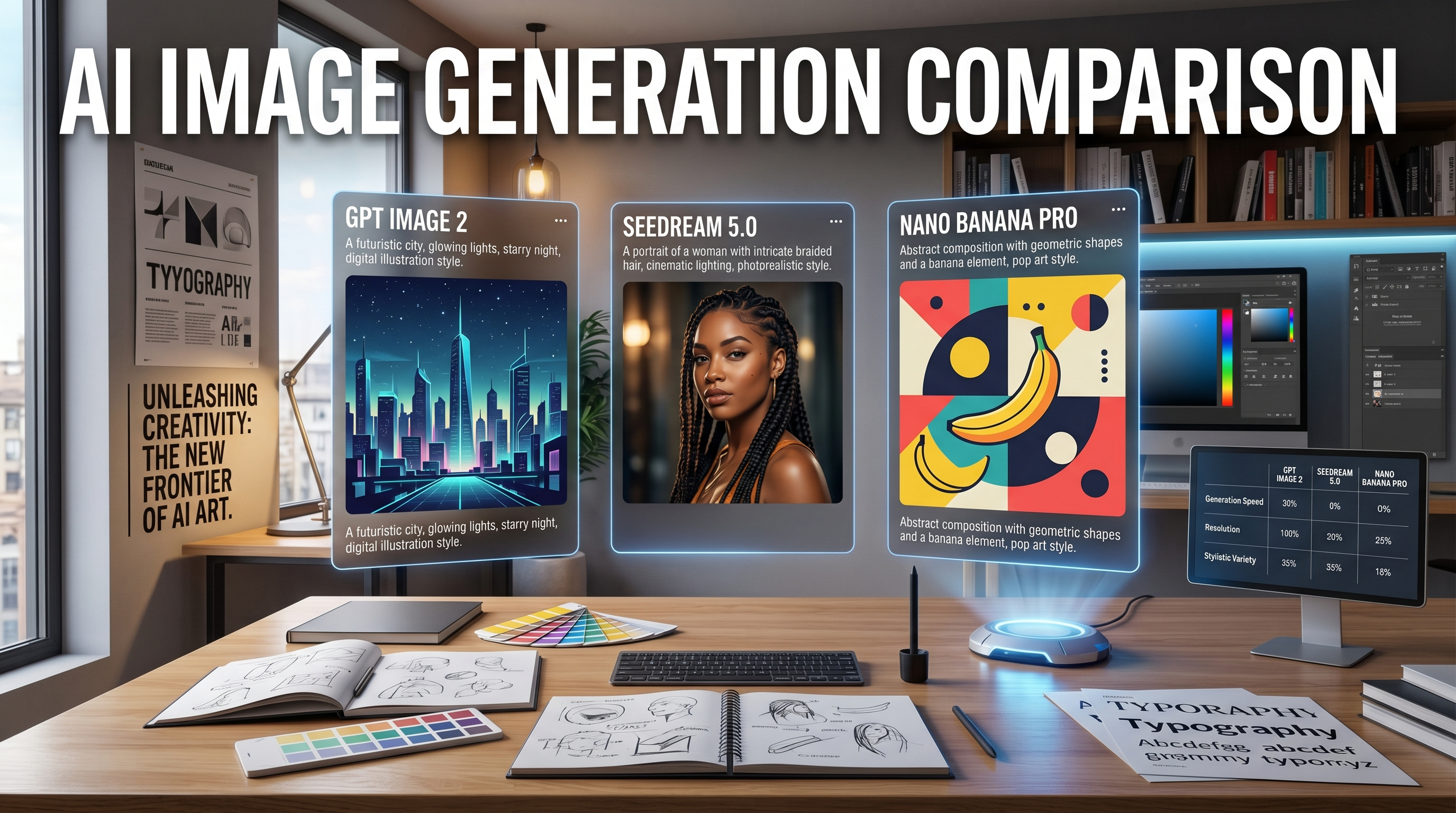
AI image generation has moved past the stage where people only want a pretty result. Now the real question is whether a model can follow instructions well, handle text inside images, support editing, and produce visuals you can actually use for work. That is why the release of GPT Image 2 matters.
At first glance, it may look like just another model update. In practice, though, the conversation around OpenAI image 2.0 is really about control. People want cleaner typography, better layout awareness, sharper editing, and more dependable prompt following. They want to generate posters, ads, storyboards, concept art, social visuals, and product mockups without feeling like they are gambling on every prompt.
That is also why it makes sense to compare OpenAI GPT Image 2 with two other strong options that creators are already using: Seedream 5.0 and Nano Banana Pro. These models may all live in the same general image-generation space, but they do not feel the same in real workflows. Some are better for polished layouts, some feel stronger for editing, and some are simply faster or easier to iterate with.
Why GPT Image 2 feels like a bigger deal than a routine release
What makes this launch stand out is not just image quality. Plenty of models can already create beautiful images. The difference is that GPT Image 2 by OpenAI appears to push image generation toward practical creative work.
This means the model is more interesting for people who build with visuals every day. Designers want better structure. Marketers want campaign-ready graphics. Creators want thumbnails and social assets that do not fall apart when text is added. Developers want something that can support image generation and editing in a more product-ready way. That broader usefulness is what gives the release real weight.
OpenAI’s product-facing language presents the experience as ChatGPT Images 2.0, while developer-facing documentation uses the model name GPT Image 2. For everyday users, the naming matters less than the result: does it help you get a better image faster? That is the standard most people actually care about.
What is new in GPT Image 2
The biggest improvement people are watching is text rendering. For a long time, AI image tools were good at mood and style but unreliable at placing readable words inside posters, menus, labels, packaging, and editorial layouts. With GPT Image 2 OpenAI, better typography is part of the value proposition.
The next major improvement is control. If you ask for a very specific layout, visual tone, camera style, or graphic composition, you want the model to respect that request without drifting too far from the prompt. That matters for landing pages, social ads, branding drafts, moodboards, and comic-style storytelling.
Editing is another reason the release matters. The latest ChatGPT image 2.0 direction feels closer to a usable creative workflow than a one-shot image generator. Instead of generating from scratch over and over, users increasingly want to revise, transform, expand, and refine images until they fit a real purpose.
There is also a multilingual angle. A model that handles different writing systems more cleanly becomes far more useful for international content, educational visuals, travel marketing, and regional branding. That kind of improvement may sound niche, but for many users it makes the tool far more practical.
Where to access GPT Image 2
There are really two access paths to understand.
The first is the official OpenAI route. General users will mostly think of the release as a new ChatGPT image experience, while developers can think of it as a model exposed through OpenAI’s image-generation stack. This is where interest in terms like ChatGPT image model and ChatGPT image API starts to make sense. Some users want a creative tool. Others want a model they can build into products and workflows.
The second route is practical third-party access. Many people do not want to begin with developer docs or platform setup. They want a simpler interface where they can test prompts, compare outputs, and move quickly. That is where a platform like Chat4o becomes useful. Its GPT Image 2 access page gives users a more direct way to explore an OpenAI-powered image workflow in a browser-friendly format.
In other words, official access is important for understanding what the model is. Practical access is important for deciding whether it fits your workflow.
GPT Image 2 vs Seedream 5.0 vs Nano Banana Pro
This comparison makes more sense when framed around use cases instead of hype.
If your work depends on text-heavy images, clean layouts, and marketing-style compositions, GPT Image 2 OpenAI is the most interesting of the three. It is the model people will naturally watch for posters, ad concepts, brochures, menus, cover images, and editorial-style design drafts. Better text handling and stronger prompt control make a real difference there.
If you care more about refined visual polish, Seedream 5.0 may feel especially attractive. It tends to fit users who want a clean, deliberate, more premium-looking image style. It is the kind of model people often reach for when they want a result that already feels closer to finished work, especially in polished commercial or presentation-ready contexts.
If your priority is fast creative iteration, accessible editing, and lightweight experimentation, Nano Banana Pro has obvious appeal. It suits creators who like to move quickly, try multiple versions, tweak images with natural-language instructions, and keep momentum high rather than obsess over one perfect first output.
So the best model depends on the job. GPT Image 2 looks most exciting for structured, prompt-sensitive, text-aware visual generation. Seedream 5.0 looks stronger when you want a clean and polished aesthetic. Nano Banana Pro looks especially friendly for fast ideation and quick editing loops.
Which one should you choose?
Choose OpenAI image 2.0 when your project needs strong instruction following, readable text inside images, more reliable composition, or a better bridge between generation and editing. It is the best fit for campaign mockups, poster concepts, branded visuals, comic pages, and layout-sensitive creative work.
Choose Seedream 5.0 when you want a more polished and presentation-ready look from the start. If the goal is visual cleanliness, premium feel, and less roughness in the final style, it is an appealing option.
Choose Nano Banana Pro when speed and repeat experimentation matter most. It works well for creators who care about easy prompt-to-result cycles and flexible editing without too much friction.
The bigger takeaway
The real story behind GPT Image 2 is not simply that OpenAI released a newer image model. The more interesting point is that AI image generation keeps moving toward usefulness. Better text, better control, better editing, and more reliable structure all point in the same direction: these tools are becoming easier to use for real production tasks, not just fun experiments.
That is good news for users because it also makes comparison more meaningful. Instead of asking which model is “the best” in the abstract, it is smarter to ask which model fits your actual workflow. For layout-heavy design, GPT Image 2 by OpenAI may be the most compelling choice. For polished visuals, Seedream 5.0 remains highly relevant. For fast editing and creator-friendly iteration, Nano Banana Pro is still a strong option.
That is also why access matters. A powerful model is only useful if you can actually work with it easily. For users who want one place to compare image tools, try different workflows, and explore related models, Chat4o offers a practical starting point.
Recommended Tools and Models on Chat4o AI
- AI Image Generator
- GPT Image 1.5
- Seedream 5.0
- Nano Banana Pro
- Qwen Image 2
- GPT-4o Image Generator
- Image to Video
- Text to Video
- Video to Video AI
- Seedance 2.0 AI
- Free Image Describer AI
Related Article
- Unlock Visual Conversations with GPT Image Chat 4o on Chat4o
- Seedream 5.0 Lite vs Nano Banana Pro: Which Chat4o Tool Fits Your Image Workflow Best?
- Bring Images to Life with ChatGPT-4o: Guide to Chat4o’s Image to Video AI
- Create Personal Model with Nano Banana: 10 BEST Prompts You Must Try
People Also Read
- GPT Image 2 Is Officially Here: What Changed, What’s New, and Where to Use It
- GPT Image 2 Explained: What’s New, and How It Compares With Nano Banana Pro
- HeyDream AI Image Generator Guide: Best Models for Text-to-Image and Image-to-Image
- Nano Banana Pro on DreamMachine AI: A Practical Way to Create Better AI Images
- How to Use Sea Imagine AI’s Image Generator: A Beginner-Friendly Tutorial
- AIFacefy AI Image Generator 2026: Best Models Ranked + When to Use Each