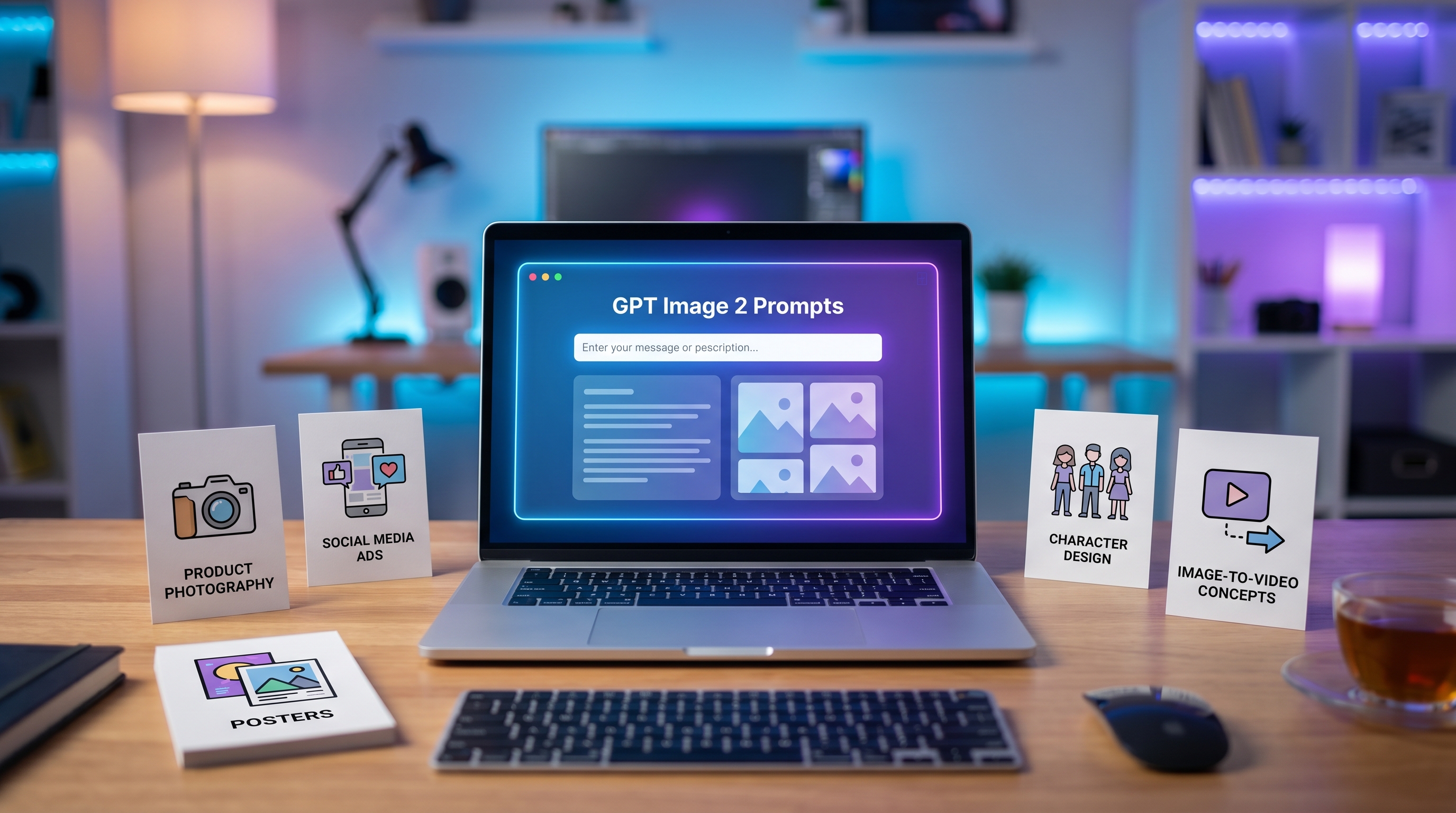
AI image generation becomes much easier when you stop treating the prompt like a magic sentence and start treating it like a creative brief. A strong prompt tells the model what to create, why the image is being made, how it should look, and what details must stay under control. That matters whether you are creating a product photo, a YouTube thumbnail, a poster, a fashion editorial concept, a blog header, or a social media ad.
This guide explains how to write better GPT Image 2 prompts in a practical, beginner-friendly way. It focuses on prompt structure, visual details, style control, mistakes to avoid, and reusable examples you can adapt quickly. It also shows how creators can use Chat4O AI as an independent all-in-one workflow hub for image, prompt, and video creation. Chat4O AI should not be described as officially affiliated with OpenAI; it is best presented as a practical platform for combining AI chat and creative tools in one workflow.
1. What Are GPT Image 2 Prompts?
GPT Image 2 prompts are written instructions that guide an AI image model toward the visual result you want. In simple terms, they are creative briefs for AI-generated images. Instead of only saying “make a product photo,” a better prompt explains the product, target audience, shot style, composition, lighting, background, mood, text placement, and final use.
A useful GPT Image 2 prompt guide should help users think like creative directors. The model needs enough information to understand the subject, but not so many conflicting instructions that the image loses focus. The best prompts usually answer six questions: What is the subject? Where is it? What style should it follow? How should the image be framed? What mood should the lighting create? What is the image for?
For example, a marketer may need a clean square ad for skincare. A blogger may need a cinematic header image. An e-commerce seller may need a neutral product shot with realistic shadows. A designer may need a character sheet with front and side views. These are very different goals, so they should not use the same prompt style.
A strong AI image prompt often includes subject, purpose, style, composition, lighting, background, mood, aspect ratio, and output goal. If the image includes text, the prompt should specify the exact wording and layout. If the result must avoid certain elements, add clear constraints instead of hoping the model guesses.
2. The Best GPT Image 2 Prompt Formula
A reliable formula for better image prompts is:
Subject + Purpose + Style + Composition + Lighting + Details + Constraints + Output Format
The subject is the main thing in the image: a product, person, room, character, logo concept, food item, or scene. The purpose explains what the image will be used for, such as an ad, product listing, blog cover, presentation slide, poster, or thumbnail. Style defines the visual language: photorealistic, editorial, watercolor, 3D render, anime-inspired, minimal vector, cinematic, luxury brand campaign, or documentary photography.
Composition controls the arrangement: close-up, wide shot, top-down view, centered product, subject on the right with negative space on the left, or split-screen comparison. Lighting affects realism and emotion: soft daylight, golden hour, studio softbox, neon night, dramatic rim light, overcast natural light, or bright e-commerce lighting. Details improve specificity: fabric texture, packaging material, background props, camera angle, surface reflections, facial expression, color palette, and brand mood. Constraints tell the model what not to do: no extra text, no watermark, no distorted hands, no crowded background, no fake logo. Output format defines aspect ratio or use case.
Instead of using a vague prompt like “make a nice coffee ad,” try:
“Create a square social media ad for a premium cold brew coffee can on a matte stone table. Photorealistic product photography, centered can, soft morning window light, condensation on the can, warm beige background, minimal props, clean space at the top for headline text, premium but natural mood, no extra logos, no watermark.”
This type of structure works well with a GPT Image 2 image generator or a broader AI image generator because it gives the model both visual direction and production purpose.
3. How to Write Prompts for Different Image Types
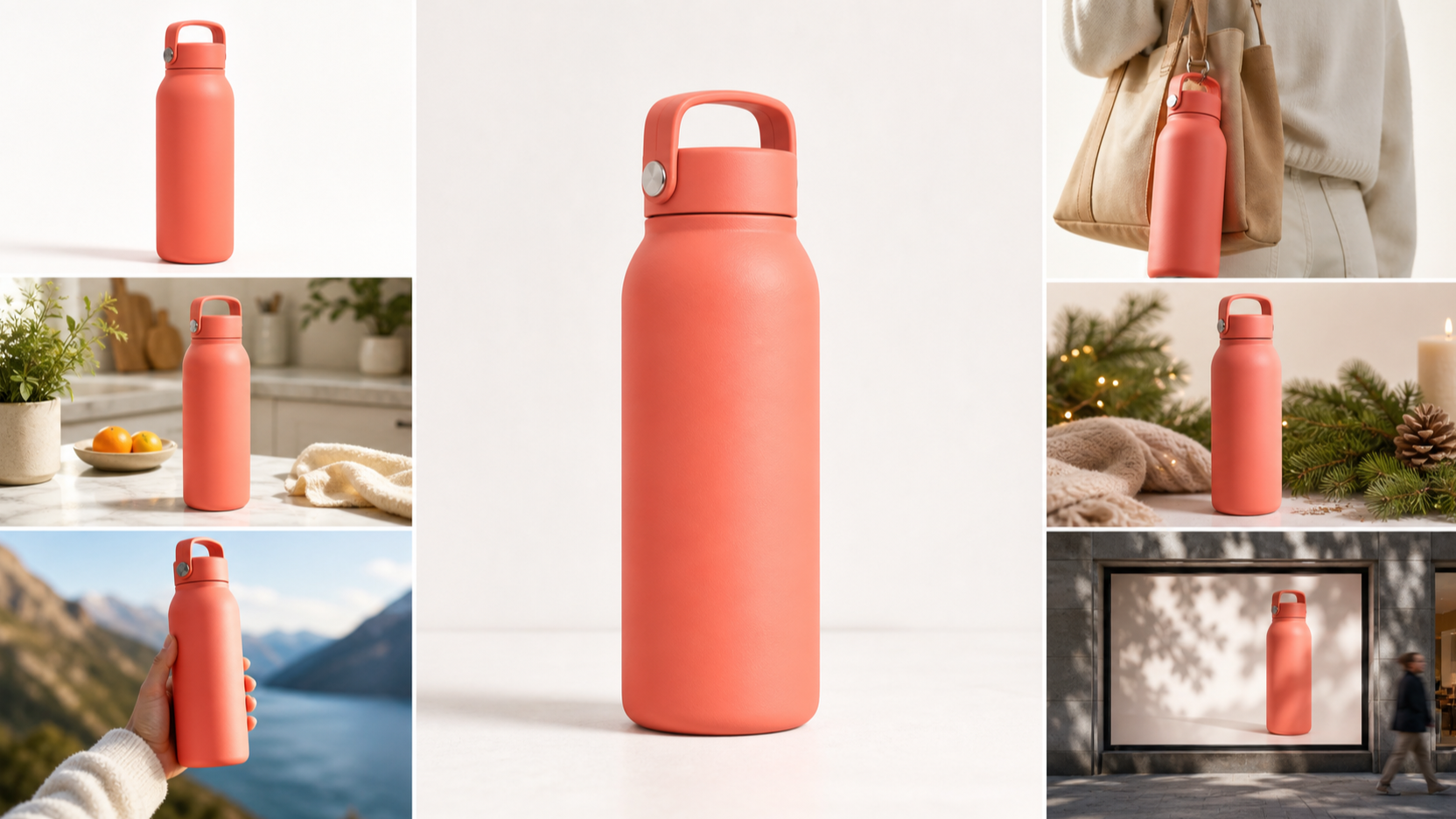
Different creative goals need different prompt priorities. Product image prompts should focus on material accuracy, lighting, surface, shadows, packaging, background, and product visibility. If the image is for e-commerce, keep the prompt clean: neutral background, accurate shape, realistic scale, front-facing angle, and no distracting props.
Social media image prompts should be more campaign-oriented. Mention the platform style, target audience, mood, color palette, and where text should appear. A creator making Instagram visuals might ask for a square lifestyle image with negative space for a caption, while a short-form video creator may need a bold thumbnail with a clear face, high contrast, and one readable phrase.
Ad creative prompts should include the product promise and emotional hook. For example, a fitness drink ad may need motion, sweat, sharp lighting, and energetic composition. A beauty campaign may need soft skin texture, clean typography space, and a calm premium look.
Poster design prompts should treat the image like a layout. Include title placement, typography style, central subject, color system, visual hierarchy, and whether the poster should feel cinematic, editorial, retro, futuristic, or minimalist. If exact text is required, specify it clearly and ask for the wording to appear once.
Character design prompts should include role, silhouette, clothing, props, personality, pose, expression, and sheet format. A useful character prompt might ask for front view, side view, and three facial expressions on a clean reference sheet.
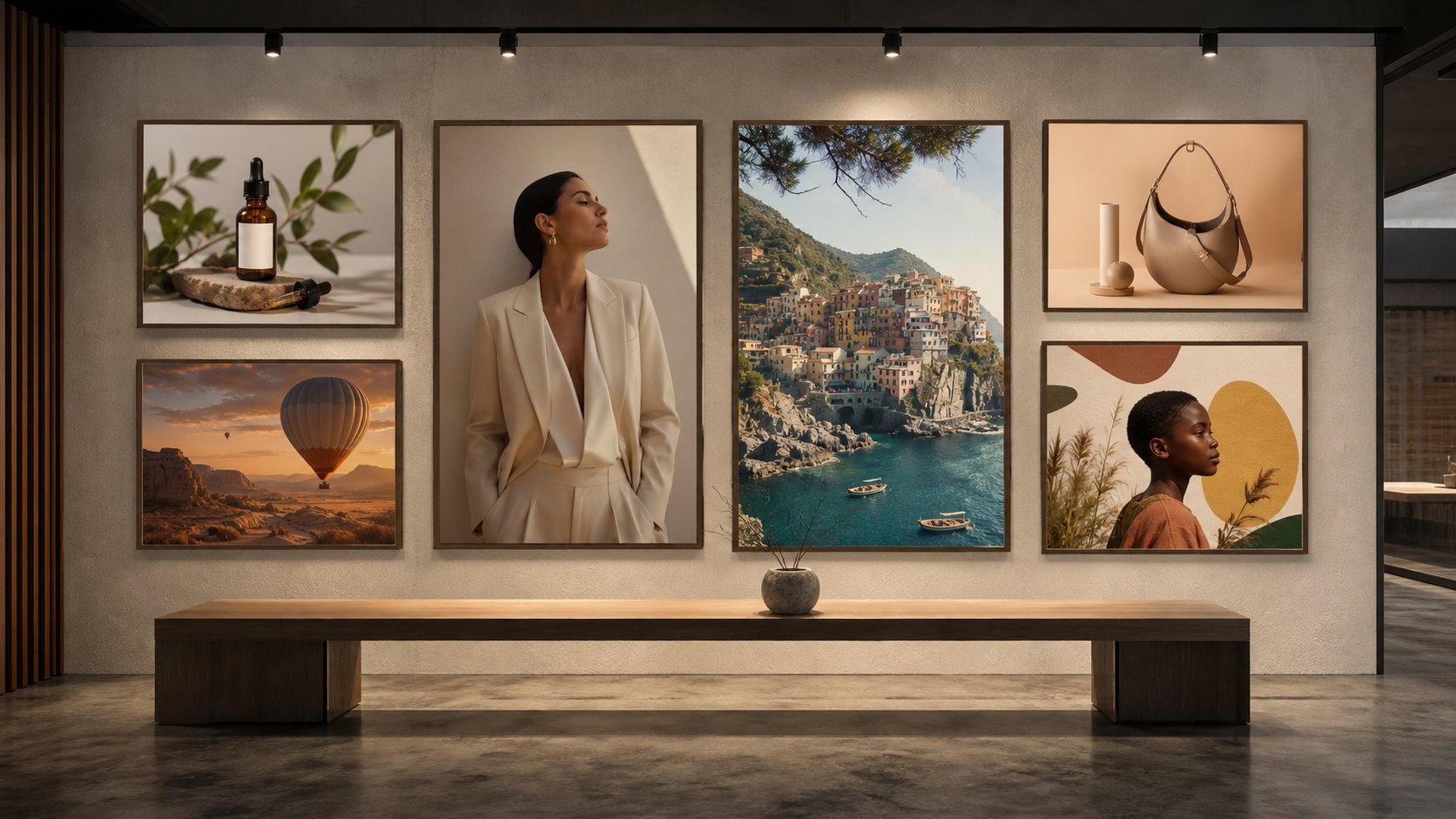
Fashion editorial prompts should prioritize styling, pose, fabric, setting, camera angle, lighting, mood, and magazine-style direction. Realistic lifestyle prompts should avoid over-polished language and instead describe a believable moment: natural light, imperfect textures, relaxed pose, real environment, and candid framing.
4. Common Prompt Mistakes That Weaken AI Images
The first common mistake is being too vague. “Make a cool poster” gives almost no direction. Fix it by naming the theme, audience, layout, color palette, headline space, and mood.
The second mistake is mixing too many styles. “Photorealistic watercolor anime 3D oil painting” creates visual conflict. Fix it by choosing one main style and one supporting influence, such as “photorealistic product photography with subtle futuristic lighting.”
The third mistake is forgetting composition. Many weak images happen because the prompt describes the subject but not the frame. Add phrases like “centered product,” “wide horizontal banner,” “top-down flat lay,” “close-up portrait,” or “subject on the right with negative space on the left.”
The fourth mistake is unclear text placement. If you need words in the image, provide the exact text, location, size relationship, and style. For example: “Add the headline ‘Fresh Start’ in large white sans-serif type at the top center. Do not add any other text.”
The fifth mistake is unrealistic lighting. A product cannot be in soft daylight, harsh flash, sunset backlight, and neon glow all at once. Pick one lighting direction and mood. Good prompts often use practical phrases like “soft diffused studio light,” “overcast natural daylight,” or “warm golden-hour side light.”
The sixth mistake is not defining the use case. A poster, thumbnail, product listing, and app hero image have different requirements. Always tell the model where the image will be used so the output feels purposeful.
5. GPT Image 2 Prompt Examples You Can Copy
The fastest way to improve is to work from examples, then adjust one detail at a time. A good prompt example should be specific enough to generate a strong first draft but flexible enough to adapt to your brand, product, or campaign.
For product photography, start with product type, surface, lighting, camera angle, and background. For social media posts, add platform format, mood, text area, and audience. For e-commerce banners, mention aspect ratio, negative space, product placement, and clean conversion-focused layout. For posters, define the hierarchy: title, central image, subtitle, and background system. For character design, specify identity, costume, pose, expressions, and whether you need a reference sheet.
When creating ChatGPT image prompts or OpenAI image generation prompts, resist the urge to rewrite everything after each result. Instead, iterate carefully. If the first result is close, change one variable: warmer lighting, simpler background, stronger text contrast, more negative space, or a different camera angle. This makes prompt engineering for AI images more predictable.
The copy-ready prompt section below gives you practical templates for product photos, ad creatives, e-commerce banners, thumbnails, character design, posters, app hero images, and image-to-video starting frames.
6. How Chat4O AI Fits Into the Image Workflow
A practical image workflow rarely stops at one prompt. You may need to brainstorm the concept, generate a first image, reverse-engineer a style, compare models, refine the image, then turn the best still into a video concept. That is where an independent platform like Chat4O AI can be useful for creators who want several creative tools in one place.
You can start with the AI Image Generator for image creation, then test a related visual direction with the GPT-4o Image Generator when you want a different image workflow. If you see a visual style you like, the Image to Prompt tool can help study the image and rebuild a prompt direction from it.
For model comparison, creators can explore Nano Banana AI and Seedream 5.0 AI as alternative image-generation options for different creative tastes. A designer may prefer one model for stylized concepts and another for clean product visuals. The point is not that one model is always best; the point is to test the model against your actual creative goal.
Once you have a strong still image, you can extend the workflow into motion. The Image to Video Generator can turn a strong frame into a video concept, while the Text to Video Generator helps when you want to begin from a written scene. For more video-specific workflows, the VEO 3.1 AI Video Generator and Kling 3.0 AI Video Generator can fit into broader campaign planning, short-form content, and cinematic visual tests.
A simple workflow looks like this: write or refine the prompt, generate the image, use Image to Prompt to study successful styles, compare models for different looks, then turn the strongest still into video material.
7. Final Recommendation: How to Get Better Results Faster
The best GPT Image 2 prompt habits are simple: start with a clear creative goal, describe the subject precisely, define the composition, choose one main style, control the lighting, specify text placement, and add constraints only where they matter. Do not overload the prompt with every possible idea. A focused prompt usually beats a crowded one.
For beginners, the easiest method is to write one strong base prompt and improve it through small edits. Change the background first, then lighting, then framing, then text. For experienced creators, build reusable prompt templates for product images, ad creatives, posters, character sheets, thumbnails, and e-commerce banners.
If you want a combined workflow, Chat4O AI can be a useful place to connect image generation, prompt study, model comparison, and video creation. Start with the image you need today, save the prompt structure that works, and keep improving one detail at a time.
GPT Image 2 Prompt Examples to Copy
1. Product Photography Prompt
Create a photorealistic product photo of a matte black insulated water bottle on a light stone surface. Centered composition, eye-level camera angle, soft diffused studio lighting, realistic shadow beneath the bottle, clean beige background, premium minimalist mood, no extra text, no watermark, output for an e-commerce product listing.
2. Social Media Ad Creative Prompt
Create a square Instagram ad image for a vitamin C skincare serum. The serum bottle is centered on a glossy peach surface with sliced oranges and soft water droplets nearby. Bright clean beauty lighting, warm pastel background, modern premium skincare style. Add the exact headline “Glow Starts Here” at the top center in clean white sans-serif type. No other text.
3. E-Commerce Banner Prompt
Create a wide horizontal e-commerce banner for a wireless headphone launch. Place the headphones on the right side, angled slightly toward the camera, with soft reflections and realistic material detail. Use a dark blue gradient background with subtle light streaks. Leave clean negative space on the left for website copy. Modern tech campaign style, polished but not crowded.
4. YouTube Thumbnail Prompt
Create a bold YouTube thumbnail about AI image prompts. Show a surprised creator holding a laptop on the left and three vivid AI-generated image previews on the right. High contrast lighting, bright blue and yellow color palette, sharp readable composition. Add the exact text “BETTER AI PROMPTS” in large bold letters across the top. Make the face expressive and the layout clear at small size.
5. Fashion Editorial Prompt
Create a luxury fashion editorial image of a model wearing a sculptural silver coat in a minimalist concrete gallery. Full-body pose, low-angle camera, soft directional light from the left, subtle shadows, high-fashion magazine mood, cool gray color palette, elegant styling, clean background, no text, output for an editorial campaign concept.
6. Realistic Lifestyle Photo Prompt
Create a realistic candid lifestyle photo of a young professional working at a small café table with a laptop and notebook. Natural window light, slight background blur, warm coffee shop atmosphere, relaxed posture, realistic skin texture, casual clothing, documentary photography style, not overly polished, output for a blog article header.
7. Character Design Prompt
Create a clean character design sheet for a cheerful sci-fi courier. Include front view, side view, back view, and three facial expressions. The character wears a lightweight orange delivery jacket, utility belt, small drone backpack, and worn sneakers. Bright optimistic personality, expressive silhouette, animation concept art style, white background, labeled sections, no extra decorative clutter.
8. Poster Design Prompt
Create a vertical event poster for an independent film night. Central image: a lone cyclist under neon rain on an empty city street. Moody cinematic lighting, deep blue and magenta palette, subtle film grain. Add the exact title “MIDNIGHT FRAME” at the top in bold condensed type and the exact subtitle “One Night Only” at the bottom. Keep all text readable and do not add extra words.
9. App Hero Image Prompt
Create a clean app hero image for a productivity dashboard. Show a floating tablet interface with calendar cards, task lists, and simple analytics widgets. Soft gradient background, modern SaaS design style, gentle shadows, rounded UI cards, bright but professional mood. Leave negative space on the left for landing-page headline copy. Output as a wide website hero image.
10. Image-to-Video Starting Frame Prompt
Create a cinematic starting frame for an image-to-video scene: a small electric car parked beside a coastal road at sunrise, ocean cliffs in the background, soft mist, warm orange light, realistic reflections on the car, wide horizontal composition, calm aspirational travel mood. Leave room for subtle camera movement forward and a slow reveal of the coastline.
Recommended Chat4O AI Tools for Image Prompt Workflows
- AI Image Generator — best starting point for turning structured image prompts into practical visuals.
- GPT-4o Image Generator — useful for testing another OpenAI-style image workflow and comparing visual direction.
- Image to Prompt — helpful when you want to analyze a reference image and rebuild a prompt from its style, composition, or mood.
- Nano Banana AI — useful for experimenting with alternative AI image styles and creative generations.
- Seedream 5.0 AI — a practical option for testing different image model behavior and visual aesthetics.
- Image to Video Generator — useful for turning a strong still image into a motion concept.
- Text to Video Generator — helpful when you want to start a video idea from a written scene instead of a still image.
- VEO 3.1 AI Video Generator — useful for video-focused creative testing and cinematic prompt workflows.
- Kling 3.0 AI Video Generator — helpful for image-to-video and campaign-style motion experiments.
Related Articles
- GPT Image 2 vs Seedream 5.0: Which Image Model Fits Your Workflow?
- GPT Image 2 Prompt Guide for Creators and Marketers
- GPT-4o Image Generator Guide for Practical AI Visuals
- Nano Banana AI Image Workflow for Fast Creative Testing
- Seedream 5.0 Image Creation Guide for Designers
- Image to Prompt Workflow: Turn References Into Better Prompts
- AI Image Generator for Product Photos and E-Commerce Assets
- VEO 3.1 Video Creation Guide for AI Campaigns
- Kling 3.0 Image-to-Video Guide for Creators
People Also Read
- How to Compare AI Image Models for Creative Direction
- AI Video Workflow Ideas for Turning Still Images Into Stories
- Image-to-Video Prompt Tips for Short-Form Campaigns
- Creative Image Generation Ideas for Product and Brand Visuals
- AI Music and Visual Pairing Ideas for Social Campaigns
- Model API Access Ideas for Advanced Creative Automation
- AI Model Updates and Creative Tool Comparisons
- UGC Ad Creative Prompt Ideas for Marketing Teams