Free GPT Image 2 for Text to Image and Reference Editing
Free GPT Image 2 creates images from a written brief or reference photos on Chat4O AI. Describe the subject, layout, lighting, and words to include, then choose an aspect ratio. Enjoy 100% free generation with no signup required.
GPT Image Tools and API Access
Choose a free GPT Image page for browser-based creation, or follow the Flaq API entry for OpenAI GPT Image model access. API usage is priced separately from the free browser tool.
Explore the 2.5 Image Update
OpenAI describes improved detail, edit precision, and preservation of subjects across changes in 2.5. Try the free 2.5 generator with a prompt or one reference to explore those changes for your own visual brief.
Read OpenAI’s Images 2.5 introductionExplore Prompt and Layout Ideas with Free GPT Image 2
Browse generated image examples for composition and style ideas, then adapt the subject, lighting, or reference-edit instruction to your own picture.
Example 1
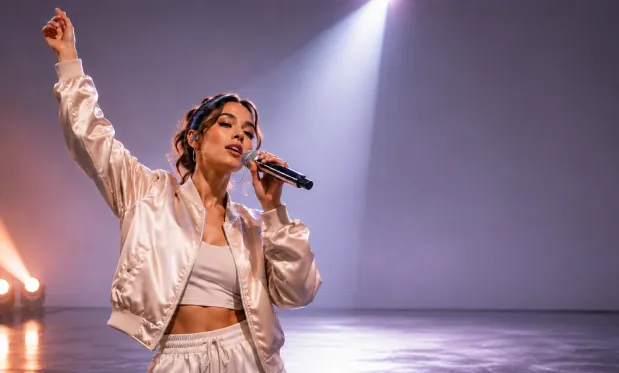
4K Product Showcase
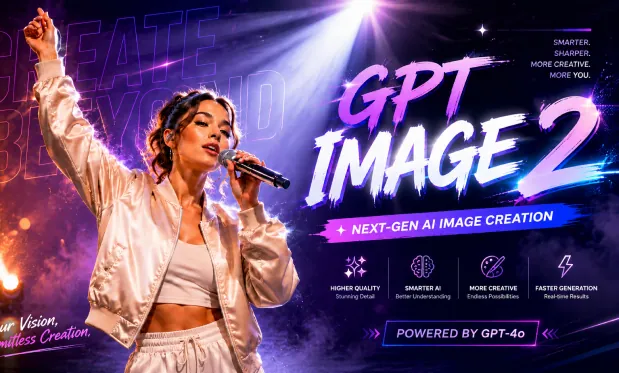
4K Product Showcase
Example 2
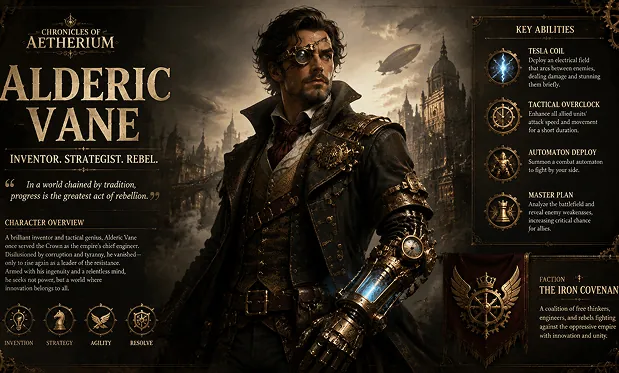
Cinematic AI Scene
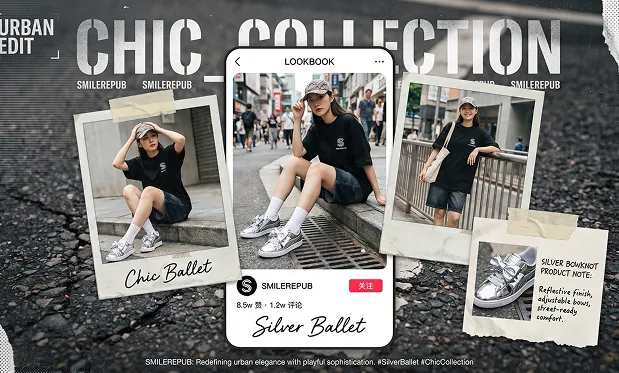
Cinematic AI Scene
Guide Composition and Reference Edits with Free GPT Image 2
Describe the scene and layout in words, optionally attach reference images, and choose the shape of the generated picture.
Compose Subjects and Lighting
Specify what appears in the image, where it sits, and how it is lit. Use a concrete brief such as a ceramic cup beside a window with space for a headline.
Draft Posters with Text
Include the exact words in quotation marks and describe their placement. Preview the generated lettering before using the poster in a finished design.
Guide Changes with Reference Images
Upload one image to explore a different background, setting, or style. State which objects and visual details should stay recognizable.
Choose a Wide or Tall Frame
Select from ten aspect ratios, including 1:1, 16:9, and 9:16. Compose a square image, landscape scene, or vertical concept from the same brief.
Explore Image Ideas Without an Account with Free GPT Image 2
Test poster layouts, product scenes, and photo edits for free on Chat4O AI. Unlimited generations let you refine one idea at a time, compare the previews, and choose a direction without creating an account.
Create Without Signing Up
Open the image form and start with a prompt or reference. No account registration is required for free generation.
Keep Exploring for Free
Try another instruction when the first image does not match your idea. The free tool has no total generation-count cap.
Work from a Clear Reference
Use a source photo when you already have a subject or composition in mind. Pair it with a specific editing instruction to guide the next version.
Review Before You Download
Open the generated image preview to inspect the composition and details. Save the results you want to keep through the download dialog.
Develop Product Scenes and Poster Drafts with Free GPT Image 2
Start from a written brief or reference images, then generate a draft for the specific creative task below.
Describe a product, surface, lighting, and space for campaign text. Generate a scene to review before preparing final advertising materials.
Draft a Product Campaign
Provide the headline and describe its placement relative to the illustration. Check lettering and spacing in the generated poster concept.
Plan a Text-Led Poster
Describe one focal subject and a contrasting background. Choose a wide ratio and generate a thumbnail composition for review.
Explore a Thumbnail Layout
Turn a short explanation into an illustration brief. Generate a slide image, then review its factual details before presenting it.
Explain an Idea Visually
Free GPT Image 2 AI Image Generator on Twitter
Join our Free GPT Image 2 AI Image Generator community on Twitter to stay updated on the latest features and creative trends.
Generate Your First Image with Free GPT Image 2 on Chat4O.AI
Generate or edit AI images with Free GPT Image 2 in three simple steps.