Free Qwen Image 3.0 for Text-Rich Images and Editing
Free Qwen Image 3.0 helps you turn prompts into posters, illustrated layouts, and image edits on Chat4O AI. Specify text and its placement, add a reference when needed, and try 100% free beta generation with no signup required. Beta availability may vary.
Explore Faster, Higher-Quality Image Generation
Upgrade for faster queues, higher quality output, and more generation options.
Explore Text and Layout Concepts with Free Qwen Image 3.0
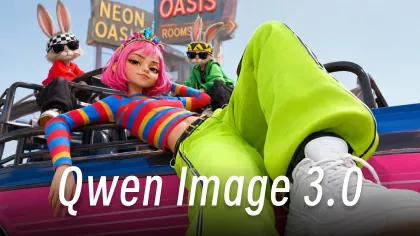
Browse generated image examples for composition and style ideas, then adapt the subject, lighting, or reference-edit instruction to your own picture.
Free Qwen Image Example 1
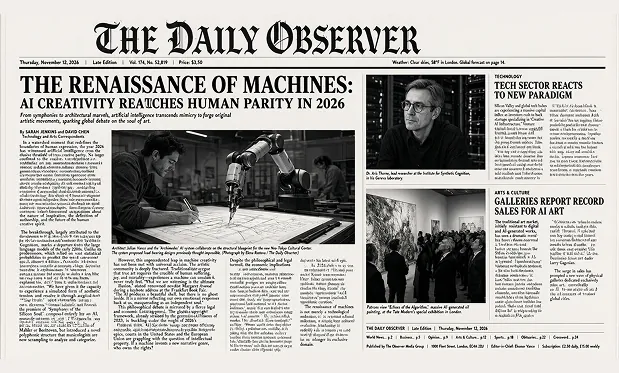
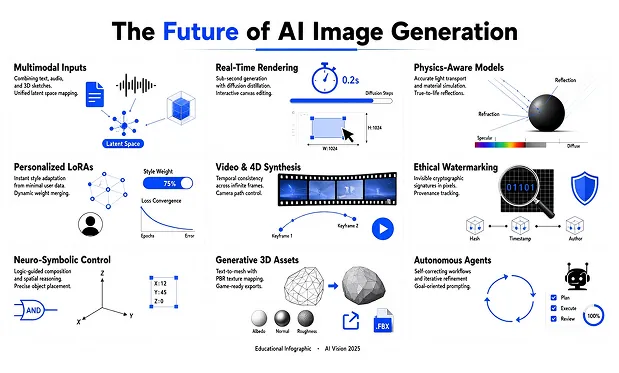
Free Qwen Image Example 2
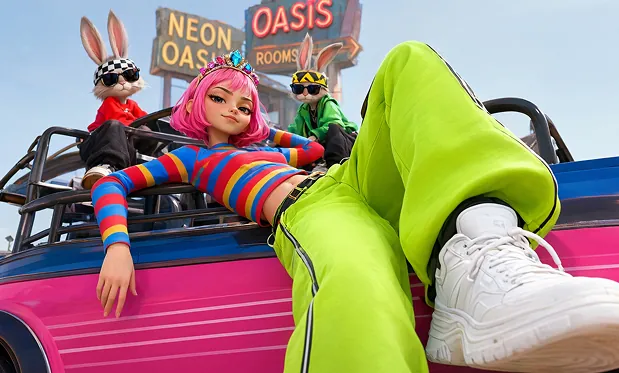
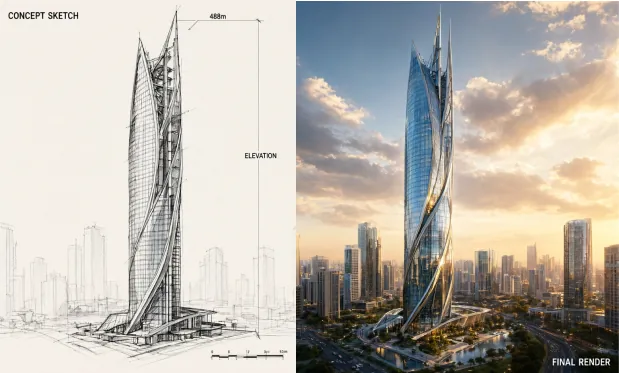
Direct Typography and Image Composition with Free Qwen Image 3.0
Write the scene, the words to include, and their arrangement. The beta image form supports prompt-based creation and edits guided by a reference.
Describe Detailed Visual Layouts
Explain the subject, background, and arrangement of elements in your prompt. Break a poster concept into a headline area, main illustration, and supporting details.
Place Words Inside an Image
Quote the wording you want on a sign, label, or poster, then specify its location. Check the result for spelling and legibility at the intended display size.
Guide an Edit with a Reference
Upload a source image and describe the changes to its scene or styling. Identify the visual elements you want the generated version to preserve.
Choose the Image Shape
Pick an aspect ratio before generation to suit a tall poster, square card, or wide layout. Use the prompt to place content within that frame.
Try Text-Rich Image Ideas for Free with Free Qwen Image 3.0
Explore text-rich poster concepts and reference-based edits for free on Chat4O AI. Generate unlimited variations without an account, review the lettering and layout, and refine your prompt. Beta availability can be unstable.
Create Without Signing Up
Open the image form and start with a prompt or reference. No account registration is required for free generation.
Keep Exploring for Free
Try another instruction when the first image does not match your idea. The free tool has no total generation-count cap.
Work from a Clear Reference
Use a source photo when you already have a subject or composition in mind. Pair it with a specific editing instruction to guide the next version.
Review Before You Download
Open the generated image preview to inspect the composition and details. Save the results you want to keep through the download dialog.
Draft Posters, Packaging, and Learning Cards with Free Qwen Image 3.0
Start from a written brief or reference images, then generate a draft for the specific creative task below.
Provide the event name and a clear layout with a headline and supporting illustration. Generate a poster concept and verify the text.
Draft an Event Notice
Describe a package shape, label wording, and color palette. Generate an image to discuss typography and product presentation.
Explore Packaging Labels
Specify a topic, short labels, and a central diagram or picture. Generate a card draft and review its wording and factual content.
Illustrate Learning Cards
Describe a screen layout with buttons, labels, and content regions. Generate a visual mockup to explore hierarchy before building an interface.
Sketch an Interface Concept
Explore more social sharing about Free Qwen Image 3.0 AI
Get the latest news, tips, and inspiration—join our Free Qwen Image 3.0 AI community on social media.
Build a Visual Brief with Free Qwen Image 3.0 on Chat4O.AI
Generate or edit a Free Qwen Image 3.0 visual in three simple steps for free.