Free Image to Image AI for Prompt-Based Photo Editing
Free Image to Image AI transforms your reference photos using written instructions on Chat4O AI. Try a different background, color palette, or illustration style while specifying which details to preserve. Explore 100% free generation with no signup required.
Explore Faster, Higher-Quality Image Generation
Upgrade for faster queues, higher quality output, and more generation options.
Explore Reference Photo Changes with Free Image to Image AI
Browse generated image examples for composition and style ideas, then adapt the subject, lighting, or reference-edit instruction to your own picture.
Image-to-Image Example 1
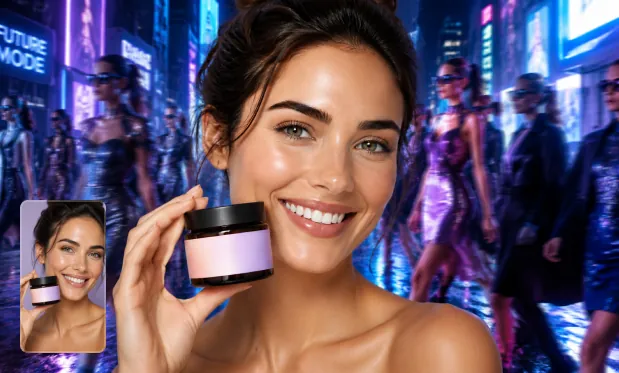
Product Image Transformation
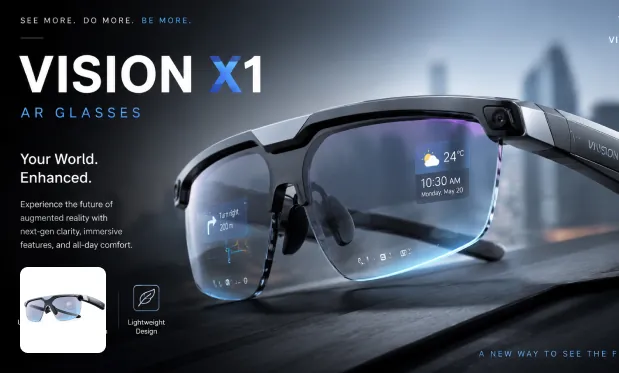
Product Image Restyle
Image-to-Image Example 2
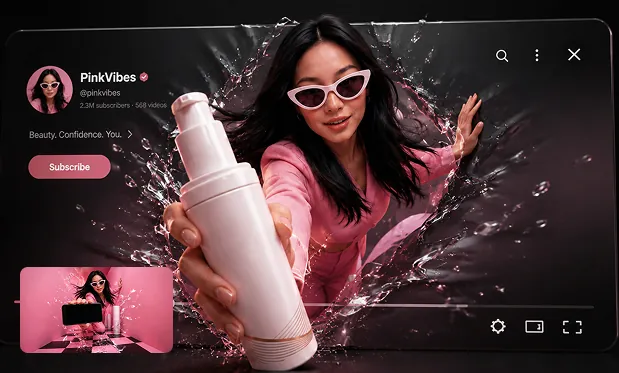
Poster from Prompt
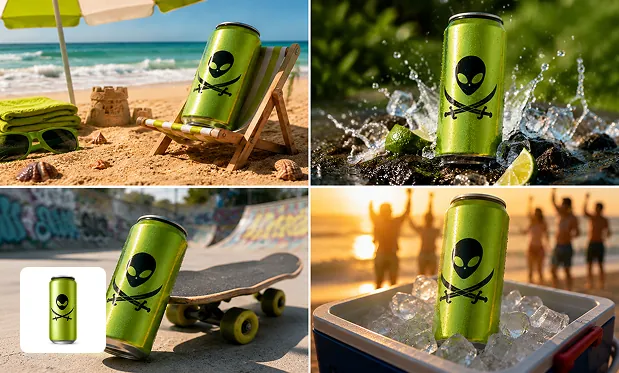
Background Swap
Edit Backgrounds, Colors, and Styles with Free Image to Image AI
Give the editor a source photo and a clear instruction. Use the prompt to separate the changes you want from the details that should stay.
Replace a Photo Background
Upload a portrait or product photo and describe a new setting. Ask the editor to preserve the main subject while exploring a different environment.
Restyle an Existing Picture
Describe a painted, illustrated, or photographic treatment for your source. The generated image lets you review a new creative direction.
Adjust Colors and Lighting
Specify a palette, time of day, or lighting mood. Use the same reference to compare different interpretations of the scene.
Frame the Edited Composition
Choose an aspect ratio and explain how the subject should fit. Preview the generated crop and composition before saving the result.
Explore Photo Variations Without Signup with Free Image to Image AI
Explore new backgrounds, product settings, and illustrated styles for free on Chat4O AI. Make unlimited editing attempts without an account, compare the previews, and adjust your instructions to preserve the details that matter.
Create Without Signing Up
Open the image form and start with a prompt or reference. No account registration is required for free generation.
Keep Exploring for Free
Try another instruction when the first image does not match your idea. The free tool has no total generation-count cap.
Work from a Clear Reference
Use a source photo when you already have a subject or composition in mind. Pair it with a specific editing instruction to guide the next version.
Review Before You Download
Open the generated image preview to inspect the composition and details. Save the results you want to keep through the download dialog.
Refresh Product Photos and Portrait Concepts with Free Image to Image AI
Start from a written brief or reference images, then generate a draft for the specific creative task below.
Upload a product photo and describe a different surface or background. Review the generated variation for shape, labeling, and color consistency.
Refresh a Product Setting
Start from a portrait and request an illustrated treatment. Identify the facial features and pose you want the editor to retain.
Restyle a Portrait
Upload an existing visual and ask for seasonal colors or scenery. Generate a variation to discuss a new campaign direction.
Explore a Seasonal Campaign
Use one photo as the reference and choose a new aspect ratio. Describe where the subject should sit in the revised composition.
Adapt a Social Image
Edit Your Reference with Free Image to Image AI on Chat4O.AI
Create a new image from an existing image in three simple steps.