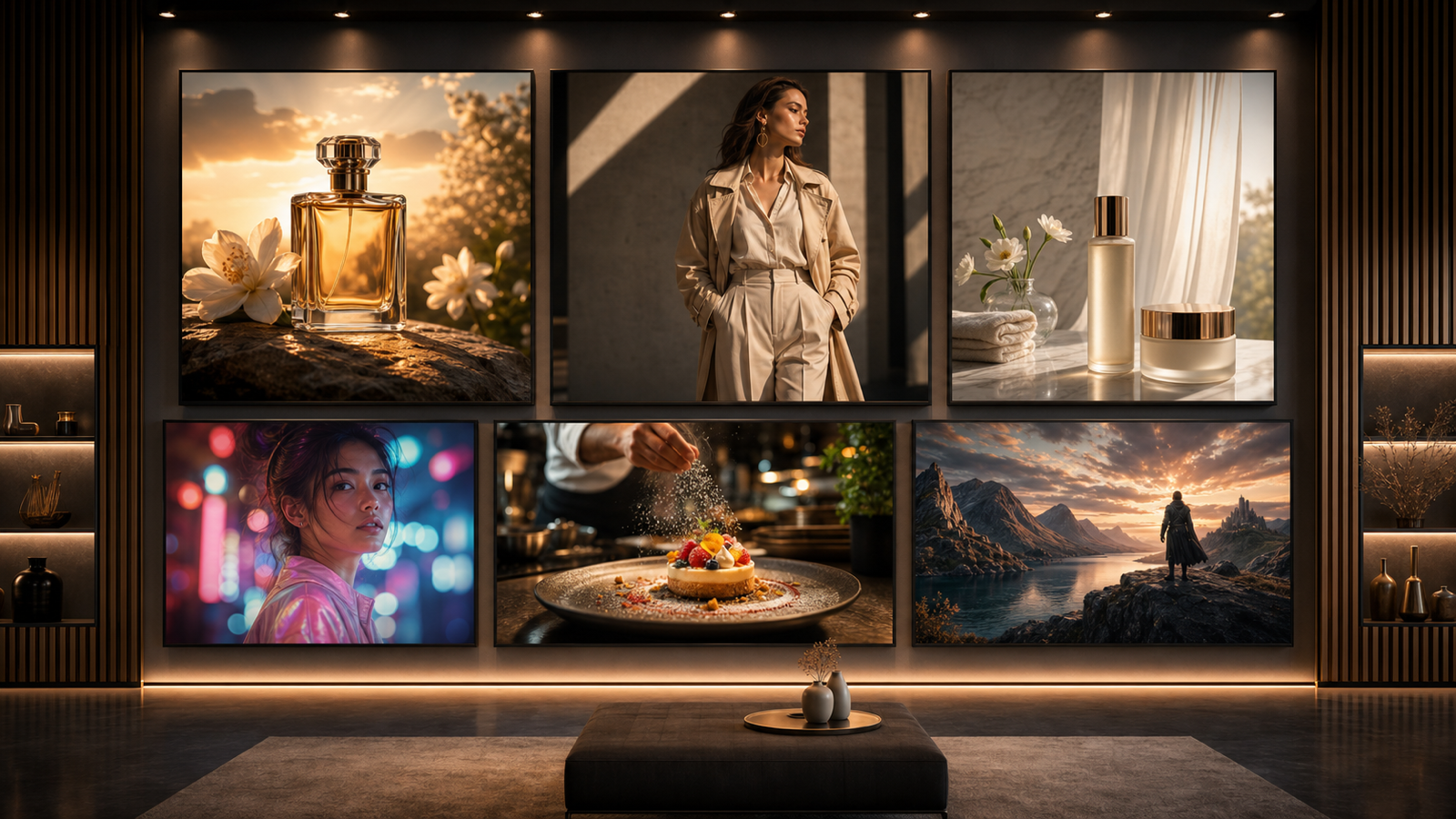
Better ChatGPT Image 2 prompts usually start with better observation. If you can clearly describe the subject, composition, lighting, background, mood, objects, people, and visual hierarchy in a reference image, you can turn that description into a sharper prompt instead of guessing from scratch. Chat4O AI Free Image Describer is a practical starting point because it helps convert uploaded images or image URLs into structured visual language for AI image generation.

Why Better Image Descriptions Create Better ChatGPT Image 2 Prompts
A strong prompt tells an image model what to preserve, improve, and avoid. That is why an image describer can be useful before you write the final prompt: it turns a visual reference into words you can edit, reorder, and reuse.
For creators, this matters because reference images often contain details that are easy to miss. A product image may depend on shadow direction, surface texture, label placement, background cleanliness, and camera angle. A social ad may work because the subject is centered, the color contrast is simple, and there is negative space for copy. A blog cover may feel polished because the background supports the main object without competing with it.
Use the description as raw material, not as the final prompt. Pull out the details that matter most, remove anything irrelevant, then add the target use case: product photo, social ad, poster, thumbnail, blog cover, character concept, ecommerce image, or image-to-image direction.

How Chat4O AI Free Image Describer Helps Analyze Reference Images
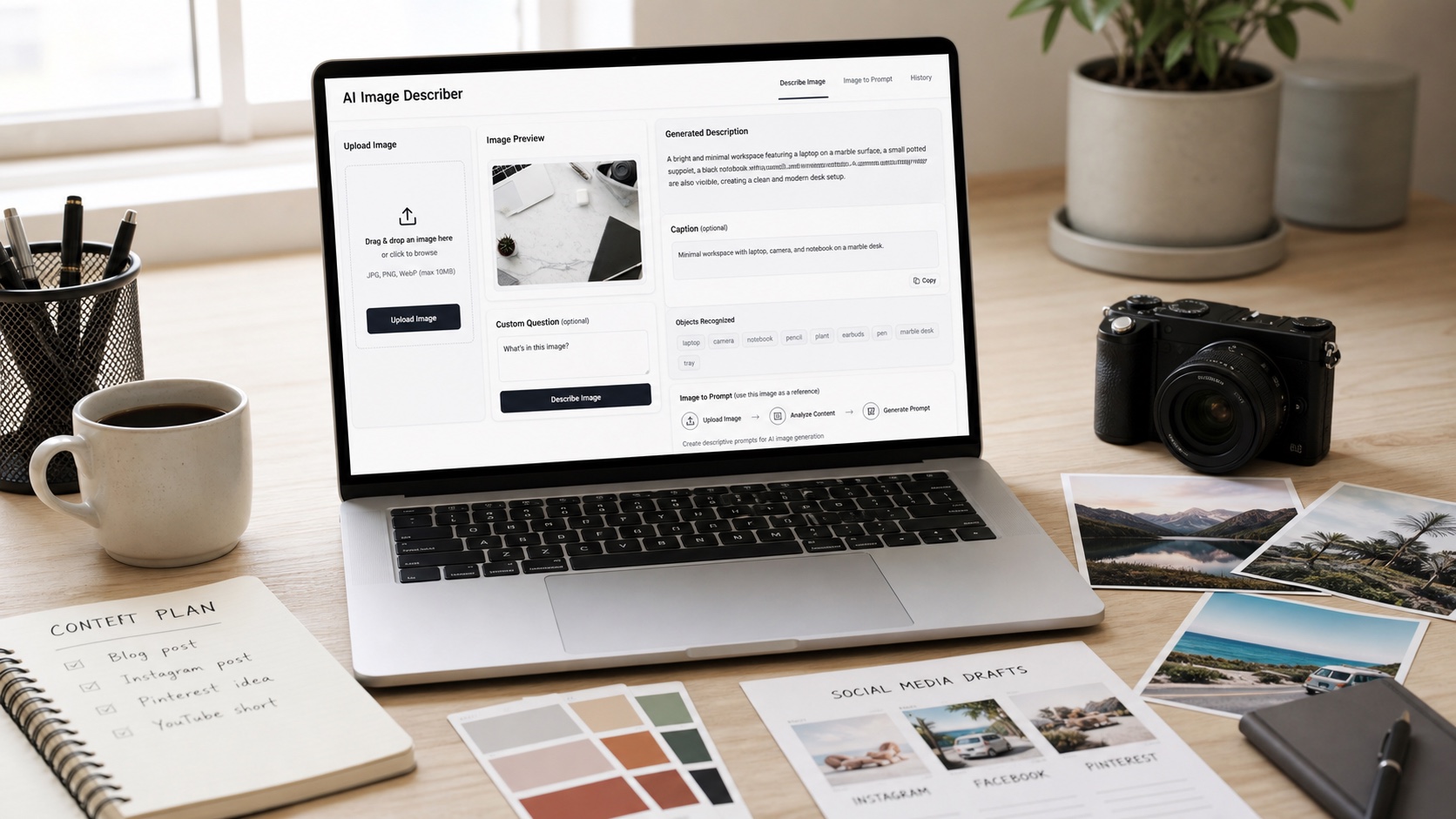
The free image describer workflow is simple enough for beginners but useful enough for prompt writers. You can upload an image, enter an image URL, choose a description mode, select a language, generate the image description, and review the output description before turning it into an image to prompt draft.
Use detailed description mode when you need a rich breakdown of composition, lighting, background, mood, object relationships, and visual style. Use brief description when you only need the core idea. Use people description when the reference includes wardrobe, pose, expression, or scene role. Use caption title or marketing copy when you need content angles for ads, social posts, blog visuals, or product campaigns.
Object recognition is especially helpful for ecommerce and design teams because it separates what is actually visible from what you assume is visible. Custom questions are useful when you need one specific answer, such as “What is the strongest focal point?” or “What should I preserve if I turn this into a product ad?”
This makes Chat4O AI more than a description tool. It becomes a bridge between reference-image analysis and prompt writing for the AI Image Generator workflow.

How to Turn an Image Description into a GPT Image 2 Prompt
The easiest way to turn a description into a GPT Image 2 prompt is to separate observation from instruction. Observation describes what is in the reference. Instruction tells the image model what to create, what to improve, and what to avoid.
Use this reusable image-description-to-prompt formula:
Analyze this reference image and convert it into a ChatGPT Image 2 prompt. Extract the subject, setting, composition, lighting, camera angle, color palette, mood, background, objects, visual hierarchy, style, and intended use. Then rewrite the description as a clean image-generation prompt for [product photo / social ad / poster / thumbnail / blog cover / character concept / ecommerce image], with [aspect ratio], [quality level], and [things to avoid].
For image-to-image creative direction, use this detailed reference-image prompt formula:
Use the image description as the base. Preserve [main subject], [composition], [lighting direction], [background mood], [important objects], and [visual style]. Improve [specific change], such as cleaner lighting, stronger product focus, better text space, more editorial composition, sharper subject separation, or campaign-ready layout. Output should be [aspect ratio] for [use case].
For marketing visuals, make the prompt more goal-driven:
Turn this image description into a marketing-ready GPT Image 2 prompt. Keep the subject clear, create a strong visual hierarchy, add space for headline text, use [brand mood], [target audience], [platform], and [campaign goal]. Avoid fake logos, unreadable tiny text, distorted products, crowded backgrounds, and misleading claims.
For product images, keep the physical object stable:
Create a photorealistic product image based on this reference description. Preserve the product shape, material, color, scale, label area, and main visual identity. Use [studio / lifestyle / ecommerce / editorial] lighting, [background], realistic shadows, clean composition, and [aspect ratio]. Leave space for marketing copy if needed.
OpenAI’s official image-generation guidance is useful for model-specific capabilities and prompting behavior, but the practical prompt habit is consistent: be specific about subject, style, composition, constraints, and output intent. Chat4O’s description output helps you collect those details before you write.

Copy-Ready GPT Image 2 Prompt Examples from Image Descriptions
Use these examples after generating a description with the Chat4O image describer. Replace the bracketed details with the actual subject, style, and purpose from your reference image.
- Analyze this reference image and turn it into a GPT Image 2 prompt for a premium ecommerce product photo. Preserve the product shape, material texture, and main color palette. Improve lighting, background cleanliness, subject separation, and realistic shadows. Output in 1:1.
- Use this image description as the base for a social media ad. Keep the main subject centered, add clean negative space for headline text, use bright natural light, polished editorial composition, and a scroll-stopping campaign mood, 4:5.
- Convert this reference image into a cinematic blog cover prompt. Preserve the scene mood and major objects, improve depth, lighting, color harmony, and visual hierarchy, 16:9, no extra text.
- Turn this image description into a YouTube thumbnail prompt. Emphasize the main subject, high contrast, strong facial or object focus, simple background, bold empty area for a title, 16:9.
- Use the object recognition output to create a clean product mockup prompt. Include the product, supporting props, surface material, realistic scale, studio light, and minimal background clutter.
- Turn the detailed image description into a character concept prompt. Preserve clothing, pose, silhouette, color palette, and personality mood. Create a clean reference-sheet style image with front-facing clarity.
- Use the marketing copy output to create a campaign visual prompt. The image should support the headline, show the product benefit, create emotional appeal, and remain suitable for paid social review.
- Convert this image into a poster prompt. Preserve the central scene, add strong visual hierarchy, clear title space, cinematic lighting, dramatic contrast, and clean layout.
- Turn this image description into a lifestyle product prompt. Show the product naturally in use, realistic environment, soft daylight, believable props, and a premium but approachable mood.
- Use the custom question output to refine the prompt: “What is the most important visual detail in this image?” Make that detail the focal point in the final GPT Image 2 prompt.
- Create three GPT Image 2 prompt variations from the same image description: ecommerce product shot, social ad, and editorial blog cover. Keep the subject stable while changing composition and mood.
- Use this reference image as a visual direction. Create a new image with similar composition and lighting, but change the subject to [new subject], keep it original, photorealistic, and campaign-ready.
The strongest examples keep a stable subject while changing only the creative goal. That lets you reuse one reference image for product photography, social media visuals, ad concepts, blog covers, and thumbnail ideas without losing the visual foundation.

Related Articles
- GPT Image 2 Prompts: A Practical Guide to Better AI Images
- GPT Image 2 vs Seedream 5.0 vs Nano Banana Pro: What’s New, Where to Access It, and Which Model Fits Your Workflow
- GPT Image 2 vs Seedream 5.0, Nano Banana Pro and Qwen Image 2: A Practical Model Choice Guide
- Guide to Free GPT 4o Image Generator
- Create AI Art Fast with GPT 4o Image Generation Free
- Create Videos from Images with ChatGPT-4o and Chat4o AI
- Seedance 2.0 Video Prompts & Workflow: A Creator’s Guide
People Also Read
- GPT Image 2 Is Officially Here: What Changed, What’s New, and Where to Use It
- GPT Image 2 Explained: What’s New, and How It Compares With Nano Banana Pro
- HeyDream AI Image Generator Guide: Best Models for Text-to-Image and Image-to-Image
- Nano Banana Pro on DreamMachine AI: A Practical Way to Create Better AI Images
- How to Use Sea Imagine AI’s Image Generator: A Beginner-Friendly Tutorial
- GPT Image 2 API and Prompt Guide: How to Create Better AI Images with Flaq AI
- Image to Image Creation Guide: How to Edit, Restyle, and Rebuild Visuals with Flaq AI
- Image to Prompt and Image Describer Guide for Better AI Art
FAQ
What should a ChatGPT Image 2 prompt include?
Include the subject, composition, lighting, background, mood, style, aspect ratio, intended use, and the details you want to preserve or avoid.
Why use an image describer before writing a prompt?
An image describer helps extract visual details from a reference image, so your prompt is based on observable composition and style instead of memory or guesswork.
Can I use a brief description instead of a detailed one?
Yes. Brief descriptions are useful for fast ideation, while detailed descriptions work better for product images, ads, posters, thumbnails, and image-to-image direction.
How do custom questions improve prompts?
Custom questions help isolate one decision, such as the focal point, strongest visual detail, best crop, target mood, or what to preserve from the reference image.
Conclusion
The best ChatGPT Image 2 prompts usually come from clear visual analysis. Start with a reference image, use Chat4O AI Free Image Describer to identify the subject and visual structure, then rewrite the output into a focused prompt for the image you actually need. Better descriptions make better prompts because they give the model a cleaner creative target.