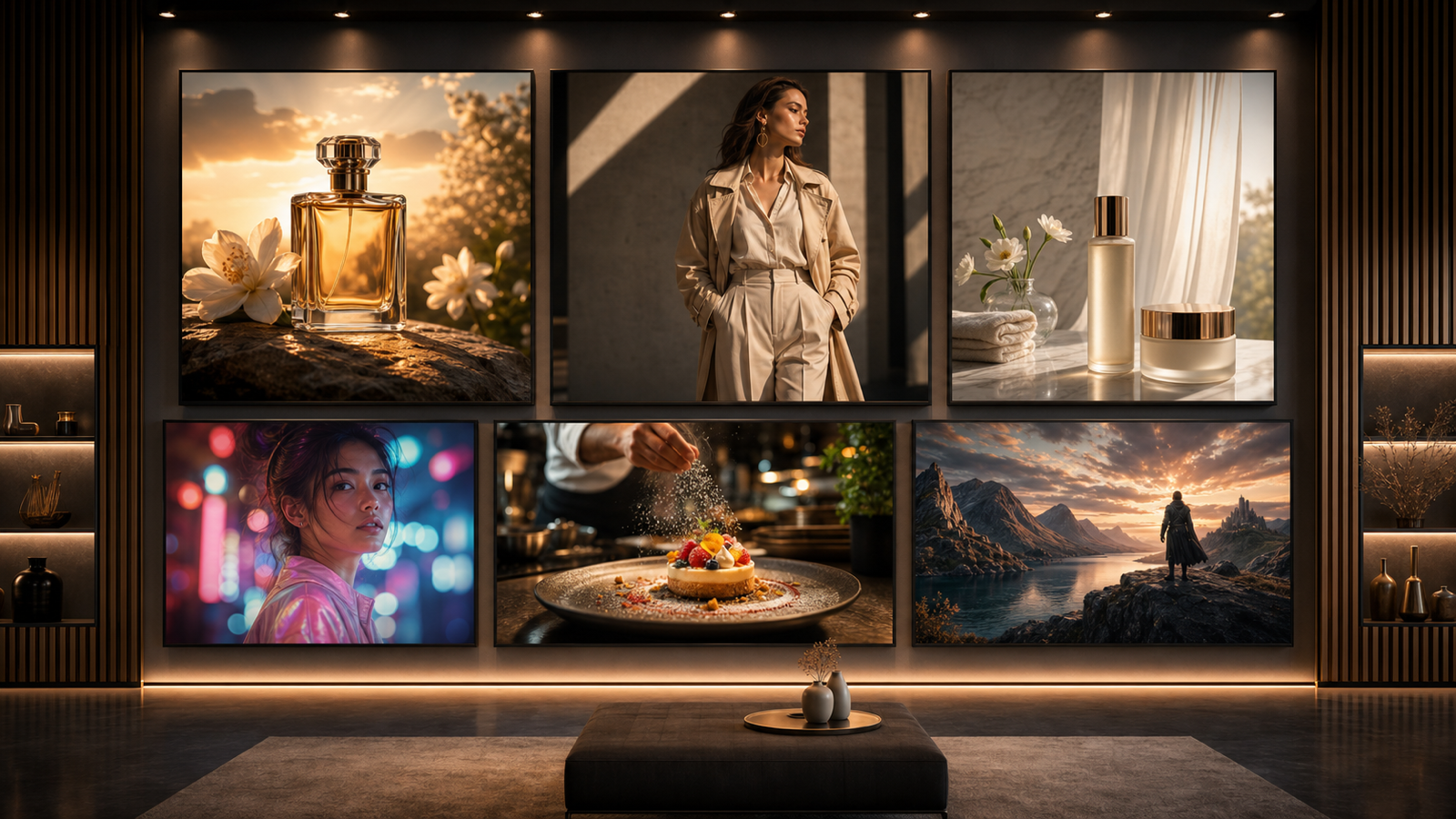
AI video generation is entering a new era, driven by innovation, openness, and true creative control. As more creators and businesses look to AI for dynamic video content, a few standout models are leading the way. Today, we dive into Wan AI and the groundbreaking Wan 2.2 AI model—now available on Chat 4O AI—and compare them to other heavyweights like Kling 2.1.
Ready to see what’s possible? Let’s compare, contrast, and show you why Wan 2.2 is quickly becoming the first choice for next-generation video makers.
Meet Wan AI and Wan 2.2: Redefining Open Video Generation
Wan AI is an open-source powerhouse in text-to-video and image-to-video diffusion. What sets it apart? Not just its technical strengths, but also its commitment to accessibility, flexibility, and open, commercial use.
Wan 2.2 is the latest leap forward, offering:
- True 1080p native video generation
- VACE 2.0: Next-level camera and motion controls for cinematic results
- Integrated real-time special effects (lighting, smoke, particles)
- Rapid LoRA training for custom branding and character styles
- Bilingual support (EN/CH) and open licensing for global creators
Now, you can access Wan 2.2 easily through Chat4o’s cloud platform, making powerful video AI just a few clicks away.
Wan 2.2 AI vs Kling 2.1: How Do They Compare?
Let’s break down the differences and help you decide which model fits your needs:
| Feature | Wan 2.2 AI | Kling 2.1 |
|---|---|---|
| Licensing | Apache-2.0 (open) | Closed/limited |
| Output Resolution | 1080p native | 1080p/4K (may require upscaling) |
| Camera & Motion | VACE 2.0, custom paths | Good, but less open control |
| Special Effects | Built-in, real-time | Some, often post-processed |
| Prompt Languages | EN/CH (bilingual) | EN (multi-lingual support in progress) |
| LoRA Training | Yes, fast & easy | Limited or not supported |
| Cloud Access | Yes, on Chat4o | Yes, sometimes paid tier |
| Commercial Use | Free, open, flexible | License restricted |
| Open-Source | Full code & weights | No |
Key Takeaways
- Wan 2.2 AI gives creators more freedom, easier access, and lightning-fast customization for brands, channels, and IP.
- Kling 2.1 is strong, but more closed, less flexible, and may require more effort for advanced workflows or commercial projects.
- On Chat4o, Wan 2.2 AI is ready to go—no installs, no hardware headaches, just pure creativity.
Wan AI vs Other AI Video Models: Why Choose Wan 2.2?
- Openness for All: Full open-source access, commercial-ready, and global language support.
- Bilingual Prompts & Outputs: Perfect for multinational campaigns, language learning, and more.
- Next-Level Camera & FX: Control movement, lock subjects, and add effects—all within the generator.
- Rapid Style Adaptation: Brand your content or keep characters consistent in minutes, not days.
- Cloud-Based Simplicity: With Chat4o, use Wan 2.2 AI anywhere, anytime, on any device.
Real-World Wins with Wan 2.2 AI on Chat4o
- Content Creators: Make viral intros, short films, meme clips, or visual music stories.
- Brands & Agencies: Launch unique ads, explainer videos, or campaign assets on the fly.
- Teachers & Learners: Visualize lessons in any language, with your own imagery or prompts.
- Indie Animators & Studios: Prototype scenes, try new FX, and test styles before full production.
How to Use Wan 2.2 AI on VideoWeb
-
Go to the Wan 2.2 AI page on VideoWeb
👉 Wan 2.2 AI -
Enter a Prompt
In the “Please enter a prompt” box at the top, describe your video concept or creative idea (up to 512 characters). English and Chinese are both supported. -
Enable Translation (Optional)
Toggle the “Translate” switch if you’d like your prompt automatically translated before generation. -
Optimize Prompt (Optional)
If available, click the “Optimize Prompt” button to receive AI suggestions that can enhance your prompt for better results. -
Upload an Image (Optional)
In the “Image Upload” area, click or drag-and-drop a jpg, webp, or png file. Adding an image helps Wan 2.2 AI follow your desired style or theme. -
Select Resolution
Choose the desired video quality (like 720p) from the “Resolution” dropdown menu. -
Choose Aspect Ratio
Select your preferred aspect ratio (such as 16:9) to match your viewing platform. -
Set Video as Public or Private
Toggle the “Public” switch to share your creation with others, or keep it private if you prefer. -
Generate Your Video
When everything is set, click the purple “Generate” button (showing the credit cost) to create your video with Wan 2.2 AI.
Get started now: try Wan 2.2 AI on VideoWeb and bring your creative vision to life, instantly and effortlessly!
Why Try Wan 2.2 AI on Chat4o?
- Always the latest models: Get Wan 2.2 AI, Kling 2.1, and more as soon as they’re available.
- User-friendly interface: No code, no hardware, just creativity.
- Flexible use: Export for social, business, or personal projects.
- Open to all: Great for pros, beginners, and anyone who wants the future of video.
Final Thoughts
AI video is changing fast, but only some models give you true creative freedom. Wan 2.2 AI stands out for its openness, quality, and accessibility—and Chat4o is the best place to try it today.
Curious about what you can make? Jump in and create with Wan 2.2 AI on Chat4o—and discover the future of video, one prompt at a time.