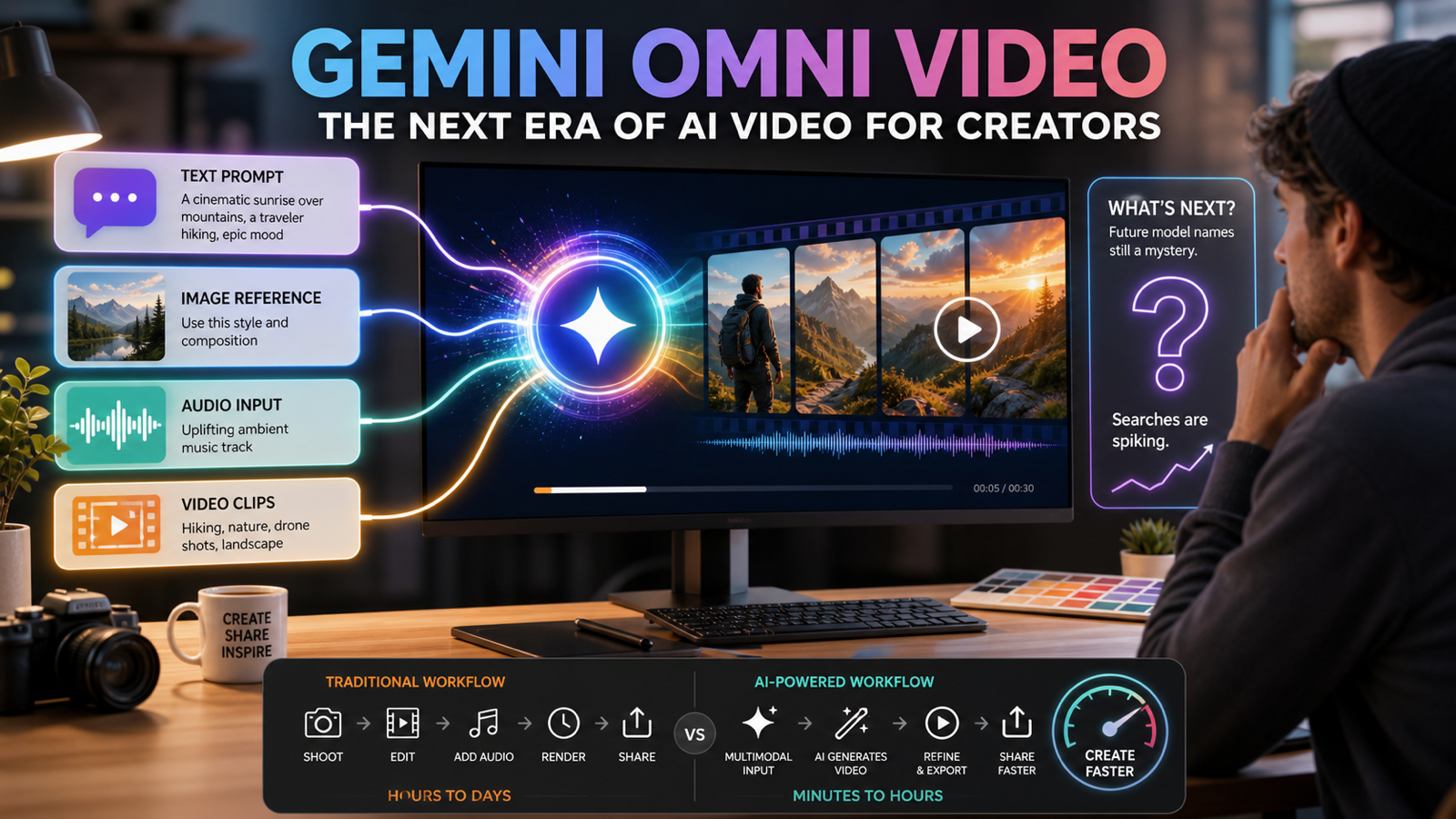
The Gemini Omni video release matters because it changes the way creators should think about AI video: not as a single prompt box, but as a mixed-input creative system. Google has now made Gemini Omni official in its Introducing Gemini Omni announcement, introducing Gemini Omni Flash as the first model in the Omni family and positioning it for video creation from combinations of text, images, audio, and video. At the same time, creator searches for "Veo 4" need careful framing because Google has not officially confirmed that model name at the time of writing.
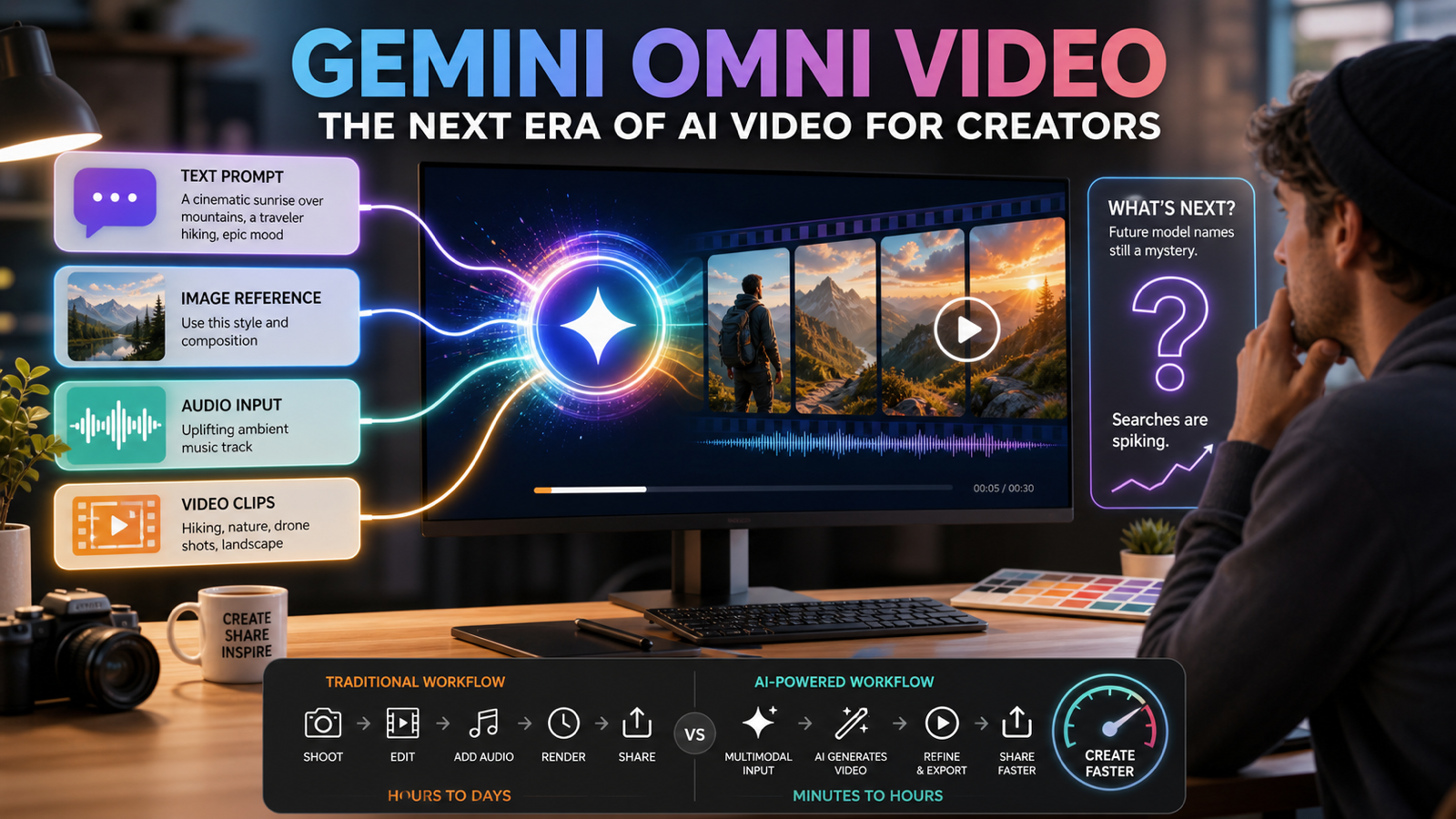
Quick Summary
Google's Gemini Omni Flash video release explained the next direction for AI video: creators will increasingly use mixed inputs rather than only text prompts. However, "Veo 4" should be treated as expectation language unless Google officially announces it. For now, creators can test practical workflows through tools such as VEO 3.1 AI Video Generator, AI Text to Video Generator, and AI Image to Video Generator on Chat4O AI while tracking future Gemini Omni and Veo updates.
Why Gemini Omni Is Official News, While "Veo 4" Needs Caution
Gemini Omni is official because Google has published its own announcement for the Omni family. In that announcement, Google describes Gemini Omni Flash as the first model in the family and frames it around video creation from mixed inputs, including text, images, audio, and video.
"Veo 4" is different. Creator interest in the phrase is understandable because Veo has become associated with Google's AI video progress, and many users expect a next-generation Veo model after Veo 3.1. But unless Google confirms the name, specs, access method, and release details, "Veo 4" should not be written as a launched product. A reader-first article should separate confirmed news from search demand.
That distinction matters for creators. If you are planning content, client work, or video workflows, confirmed tools are useful today. Unconfirmed model names are useful only as watchlist items.
Key Takeaways
- Gemini Omni Flash is now official as the first model in Google's Omni family.
- The release points toward mixed-input AI video creation using text, images, audio, and video together.
- "Veo 4" should be treated carefully until Google officially confirms that model name.
- Current creator interest around Veo 4 is better described as a next-generation Veo expectation.
- Chat4O AI users can currently test practical workflows with Veo 3.1, Kling 3.0, text-to-video, and image-to-video tools where available.
- Chat4O AI should be described as an independent all-in-one platform, not as an official Google or OpenAI affiliate.
What Gemini Omni Changes for AI Video Creators
Gemini Omni changes the creative question from "What prompt should I type?" to "What inputs best describe the video I want?" A creator may start with a product photo, add a short script, include a music direction, and use an existing video clip as motion reference. That is different from older text-only workflows, where the prompt carried almost all of the creative burden.
For creators, the practical shift is control. Text is good for intent, images are good for composition, audio is good for rhythm or mood, and video is good for motion reference. A Gemini Omni video model for creators suggests a future where short-form video production becomes more modular and easier to iterate.
This does not mean every creator should wait. It means creators should start building mixed-input habits now: write better prompts, collect reference images, organize source clips, test image-to-video, and compare results across models.
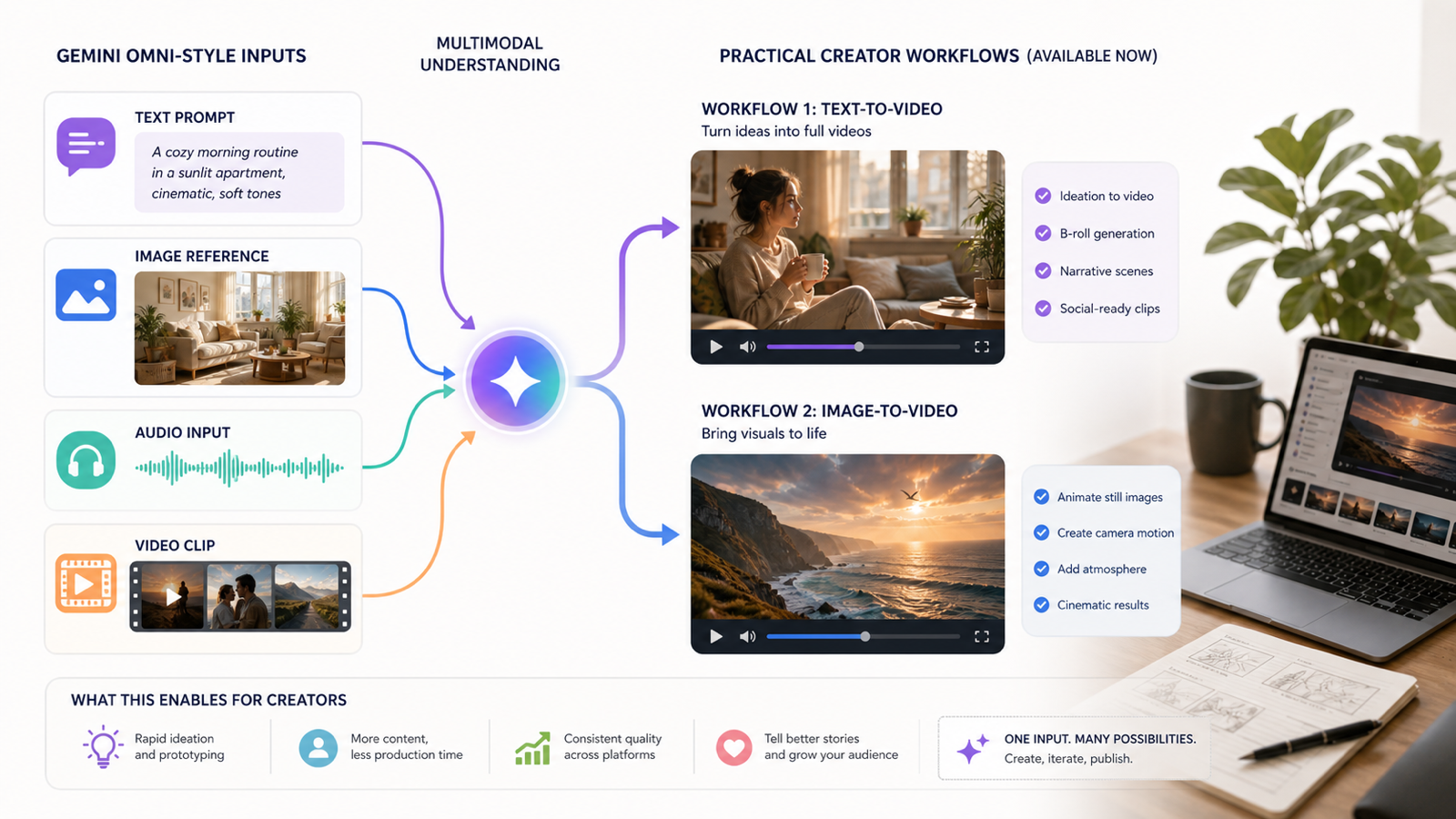
Gemini Omni Flash Video Release Explained for Practical Workflows
The simplest way to understand Gemini Omni Flash is as a signal that AI video creation is moving toward multimodal direction. Instead of asking a model to infer everything from one sentence, creators can use multiple signals to communicate the scene, subject, timing, mood, and motion.
A practical Gemini Omni-style workflow might look like this:
- Start with the goal: product demo, social ad, explainer, music visual, tutorial clip, or cinematic B-roll.
- Write the scene prompt: describe subject, motion, camera, lighting, setting, and output style.
- Add reference images: use a product image, character reference, mood board, or brand visual.
- Add audio direction: define pace, tone, music mood, voiceover style, or sound cues.
- Use video reference when helpful: show camera movement, product motion, gesture, or scene rhythm.
- Generate short versions: compare clips before investing in longer edits.
- Refine by variable: change motion, lighting, style, or framing one at a time.
This is what Gemini Omni changes for AI video: it makes the input stack richer. The creator's job becomes less about magic words and more about building a clear creative packet.
Gemini Omni vs Veo 3.1: How to Think About the Difference
Gemini Omni vs Veo 3.1 is not a clean replacement comparison because the products should be understood through different lenses. Gemini Omni is the newer official direction for mixed-input Gemini-family video creation. Veo 3.1 is a current practical video-generation option documented by Google Cloud and available for creators to test in real workflows through platforms that offer access.
For a creator, the useful comparison is not "which name is newer?" The useful comparison is:
| Question | Gemini Omni Direction | Veo 3.1 Workflow |
|---|---|---|
| What is the main interest? | Mixed-input video creation | Current video generation testing |
| What should creators watch? | Official rollout, access, supported inputs, quality controls | Prompt quality, motion quality, camera control, consistency |
| Best current use | Understanding where AI video is heading | Producing and comparing actual clips now |
| Risk | Availability and final product behavior may evolve | Output varies by prompt, source image, and platform workflow |
If you want to follow the future, track Gemini Omni. If you want to make clips today, test a Google Veo 3.1 AI video workflow on Chat4O AI and compare it with other available models and tools.
How to Treat Veo 4 Search Interest Without Overclaiming
Treat "Veo 4" as a watchlist phrase, not a confirmed release, unless Google publishes official documentation or an announcement. The phrase is useful because it captures creator demand for the next generation of Google AI video. It is risky because writing as if Veo 4 already exists can mislead readers.
A better phrase is "next-generation Veo expectation." That lets you speak to user intent while staying accurate. For example, a creator looking for a Veo 4 alternative while waiting for official news probably wants the strongest current way to test prompt-to-video, image-to-video, cinematic motion, and short-form workflows. In that case, the practical answer is to test current tools instead of chasing an unconfirmed name.
The rule is simple: use official Google language for confirmed releases, and use cautious language for future model expectations.
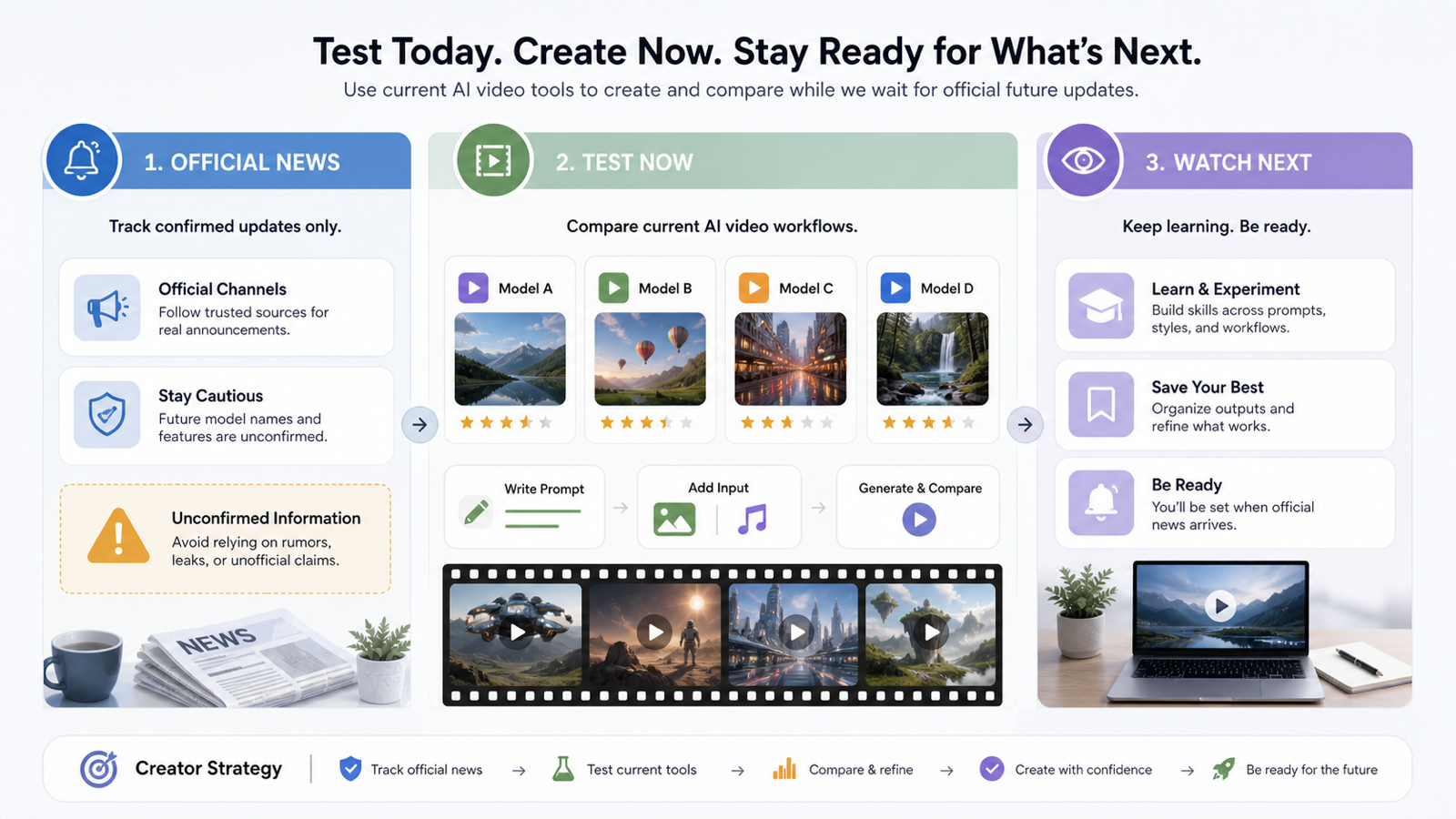
What Creators Can Test Now on Chat4O AI
Chat4O AI is useful for creators who want an independent all-in-one workspace for comparing AI chat, image, and video generation workflows. It should not be described as officially affiliated with Google or OpenAI. Its value is practical: users can explore current generation workflows while watching official Gemini Omni and future Veo news.
For video creators, the most useful tests are:
- Veo 3.1 testing: use the VEO 3.1 AI Video Generator to compare how prompts translate into motion, shot style, and short video output.
- Text-to-video ideation: use the AI Text to Video Generator when you want to create AI videos from prompts online without starting from a reference image.
- Image-to-video experiments: use the AI Image to Video Generator when you want to turn reference images into AI video clips.
- Model comparison habits: test similar prompts across available workflows, including Veo 3.1 and Kling 3.0 where available, then compare camera movement, character stability, product consistency, and editing usability.
This gives creators a grounded way to prepare for Gemini Omni-style workflows without waiting for every future model name to settle.
AI Text to Video Generator: Prompt-First Workflows for Creators
An AI text to video generator is best when the idea is clearer than the visual source. For example, a creator might want "a cinematic product reveal on a marble table with morning light" or "a cozy travel montage opening shot for a weekend vlog." Text works well when you need concept exploration, fast storyboard testing, or multiple visual directions from the same idea.
For Gemini Omni-style workflows, text-to-video is the foundation. It forces you to describe the goal, subject, action, camera, mood, and duration clearly. That habit will remain useful even as models accept more input types.
Use this prompt pattern:
Create a short AI video clip for [platform/use case].
Subject: [person, product, place, or object].
Action: [what moves or changes].
Camera: [close-up, dolly in, handheld, overhead, slow pan].
Mood: [cinematic, playful, luxury, tutorial, documentary].
Lighting: [soft daylight, neon night, studio, golden hour].
Avoid: [distorted hands, unreadable text, brand logos, unrealistic motion].
This makes text to video AI for Gemini Omni-style workflows more useful because the prompt becomes structured instead of vague.
AI Image to Video Generator: Reference-Led Workflows for Short Clips
An AI image-to-video workflow is best when visual consistency matters. If you already have a product photo, character design, fashion look, thumbnail concept, or campaign image, image-to-video gives the model a stronger starting point than text alone.
Creators can use image to video AI for Gemini Omni-style creation in several ways:
- Animate still product photos for social ads.
- Turn reference images into AI video clips for mood tests.
- Add camera movement to a thumbnail, poster, fashion look, or product scene.
- Create short videos from campaign images before editing them into a longer sequence.
The main creative skill is restraint. Do not ask the model to change everything at once. Start with a clear source image, then ask for one motion idea: a slow push-in, fabric movement, steam rising, product rotation, changing light, or a simple character gesture.
A Practical Testing Framework While Waiting for Future Veo News
The best Veo 4 alternative while waiting for official news is not a single model name. It is a testing framework. Creators should compare real outputs using repeatable prompts, consistent source images, and clear judgment criteria.
Use this framework:
| Test Area | What to Check | Why It Matters |
|---|---|---|
| Prompt following | Does the clip follow the scene, action, and camera request? | Saves editing time |
| Motion quality | Does movement feel intentional and stable? | Affects perceived production value |
| Subject consistency | Does the product, person, or object remain recognizable? | Essential for ads and brand work |
| Image reference control | Does the model preserve the source image? | Important for product and fashion clips |
| Editing usability | Can the clip fit into a real TikTok, YouTube Short, ad, or landing page? | Turns generation into workflow |
Run the same brief across Veo 3.1, Kling 3.0-style options, text-to-video, and image-to-video tools where available. Then save the strongest prompts and outputs. That habit prepares you for Gemini Omni, future Veo updates, and whatever model naming Google confirms next.
Related Articles
- Vidu Q3 AI: Practical Guide to the Next AI Video Workflow
- How to Access Seedance 2.0: Is It Better Than Veo 3.1 or Kling 3.0?
- How to Create AI Short Video with Veo3 for TikTok & YouTube
- Bring Images to Life with ChatGPT-4o: Guide to Chat4o's Image to Video AI
- Grok Imagine AI Video Generation on Chat4O: Step-by-Step Tutorial + Prompts
People Also Read
- Gemini Omni Latest Info: What Google's Rumored Video Update Could Change for AI Creators
- Gemini Omni New Model Latest Info: What We Know, What's Leaked, and What Creators Can Use Now
- Veo 3.1 Video Generation Guide: How to Create Cinematic Clips
- SeaImagine AI Text-to-Video Guide: How to Choose Models and Create Better Clips
- How to Use the AI Music Video Generator: A Detailed Guide from Song to Video
FAQ
Is Gemini Omni official?
Yes. Google has officially announced Gemini Omni and introduced Gemini Omni Flash as the first model in the Omni family, with video creation from mixed inputs as the starting point.
Is Veo 4 officially released?
Treat Veo 4 carefully unless Google officially confirms that model name. Current creator interest is better described as a next-generation Veo expectation, not a confirmed launch.
What is the best Veo 4 alternative while waiting for official news?
The practical alternative is to test current AI video workflows, especially Veo 3.1, text-to-video, and image-to-video tools. This gives creators usable outputs now and a better comparison baseline for future releases.
Can Chat4O AI help with Gemini Omni-style workflows?
Yes, Chat4O AI can help users practice Gemini Omni-style workflow habits such as prompt writing, text-to-video generation, image-to-video testing, and model comparison. It should be described as an independent platform, not an official Google or OpenAI affiliate.
Should creators use text-to-video or image-to-video first?
Use text-to-video when you are exploring a concept from scratch. Use image-to-video when you already have a product photo, character, visual reference, or campaign image that needs motion.
Conclusion
The Gemini Omni video release is important because it points AI video toward mixed-input creation, where text, images, audio, and video can work together. Veo 4, however, should remain a cautious search term until Google confirms it officially. Creators do not need to wait passively: they can use Chat4O AI to test Veo 3.1, AI text to video, and AI image-to-video workflows now while tracking Google's next official Gemini Omni and Veo updates.
SEO Title:
Meta Description:
Tags: , , , , AI Image to Video Generator, AI video creators