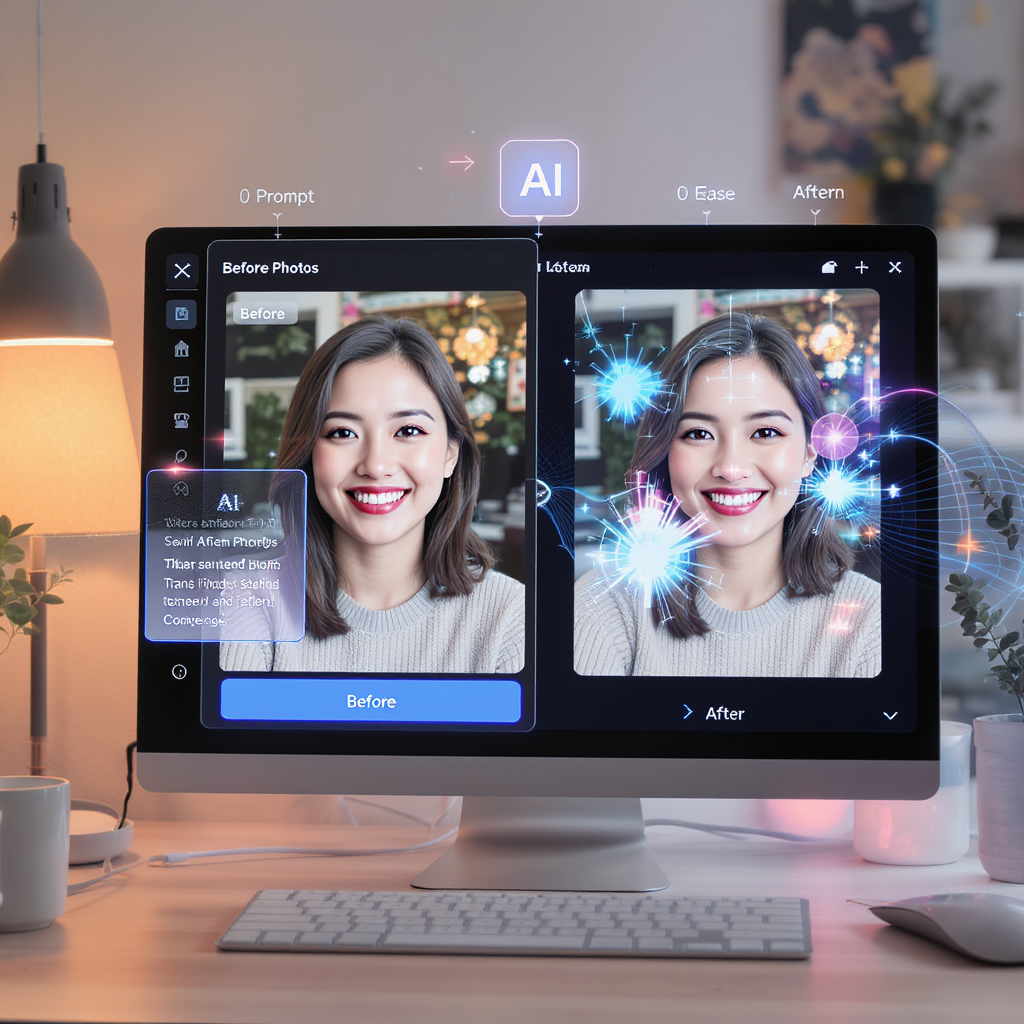
The world of photo editing is evolving rapidly. No longer limited to complex software or manual retouching, today’s creators can harness the power of artificial intelligence for instant, high-quality results. If you’re curious about how to edit AI photo by Flux Kontext AI, you’re in the right place—this guide will show you how to make the most of one of 2025’s smartest AI image editors.
What Makes Flux Kontext AI Different?
Flux Kontext AI isn’t just another editing tool—it’s a next-generation ai photo editor designed for everyone from casual users to creative pros. Its standout features include:
- Context-based edits: The editor understands your instructions and applies them precisely, from sky replacements to object removals.
- Style transfer: Easily add creative looks, such as vintage, watercolor, or cinematic effects, with a single prompt.
- Batch processing: Edit multiple images efficiently.
- Accessibility: As the best top ai to modify photos for free, it provides both advanced features and generous free trial options.
Compared to old-school software, Flux Kontext AI delivers smarter edits, faster results, and a dramatically lower learning curve.
Why Choose an AI Image Editor in 2025?
AI-driven editing offers real advantages:
- Time-saving: Instantly retouch, enhance, or transform images without hours of work.
- Beginner-friendly: No professional skills needed—get stunning results with simple prompts.
- Unmatched creativity: Generate unique ai picture effects, experiment with new visual styles, and even restore old photos.
A modern artificial intelligence image editor empowers anyone to create pro-quality images—at home, work, or on the go.
Step-by-Step: How to Edit AI Photo by Flux Kontext AI
-
Access the Editor:
Go to Flux Kontext AI on Chat4o. -
Choose or Upload an Image:
Click the image icon to upload your own photo, or start with an AI-generated image. -
Input Your Prompt:
In the prompt box (“Input your prompt here”), describe the edit you want—such as “make the sky sunset,” “add watercolor effect,” or “remove background.” You can also get inspired by clicking on one of the example prompts above the box. -
Select the Model and Ratio:
Make sure “Flux Kontext Pro” is selected in the model dropdown, and choose your desired aspect ratio (e.g., 1:1 for square images). -
Generate Your Edit:
Click the purple button to generate your edited image using the ai image editor. -
Review and Download:
Preview your AI-edited photo. Download, share, or make further edits as needed.
Tips:
- For best results, use high-quality input images and write specific, descriptive prompts.
- Try out different aspect ratios and models for more creative effects.
- All features are accessible as part of the best ai photo editor experience.
Key Features of Flux Kontext AI
What sets Flux Kontext apart as an ai photo editor?
- Prompt-based editing: Just type what you want changed, and the AI does the rest.
- Real-time previews: Instantly see different options and refine your edits.
- Batch output: Edit multiple images in one session.
- Privacy and export: Your photos are secure, and downloads are fast and high-quality.
- Multi-style support: From natural retouching to dramatic transformations.
Flux Kontext AI outperforms other ai image editor platforms with its blend of usability and creative control.
Use Cases: Who Benefits Most?
Whether you’re a content creator, photographer, marketer, or hobbyist, Flux Kontext AI fits your workflow:
- Social media: Stand out with beautifully enhanced selfies, travel shots, or graphics.
- E-commerce: Instantly improve product images for higher conversions.
- Personal projects: Restore old family photos or try fun creative effects.
- Business: Produce banners, ads, and branding assets with artificial intelligence image editor speed and precision.
FAQs & Troubleshooting
Can I use it for any type of photo?
Yes—portrait, landscape, product, and more.
Is it really free to try the best top ai to modify photos for free?
Absolutely! Generous trial credits make it easy to get started with no commitment.
What if I want to revert or tweak edits?
Just adjust your prompt or re-upload the image. Real-time previews let you experiment without fear.
Conclusion & Call to Action
Flux Kontext AI changes the way you edit images—making it smarter, faster, and more creative than ever. Ready to transform your photos? Discover how to edit AI photo by Flux Kontext AI and experience the best ai photo editor for yourself. Unlock the future of ai picture editing today!