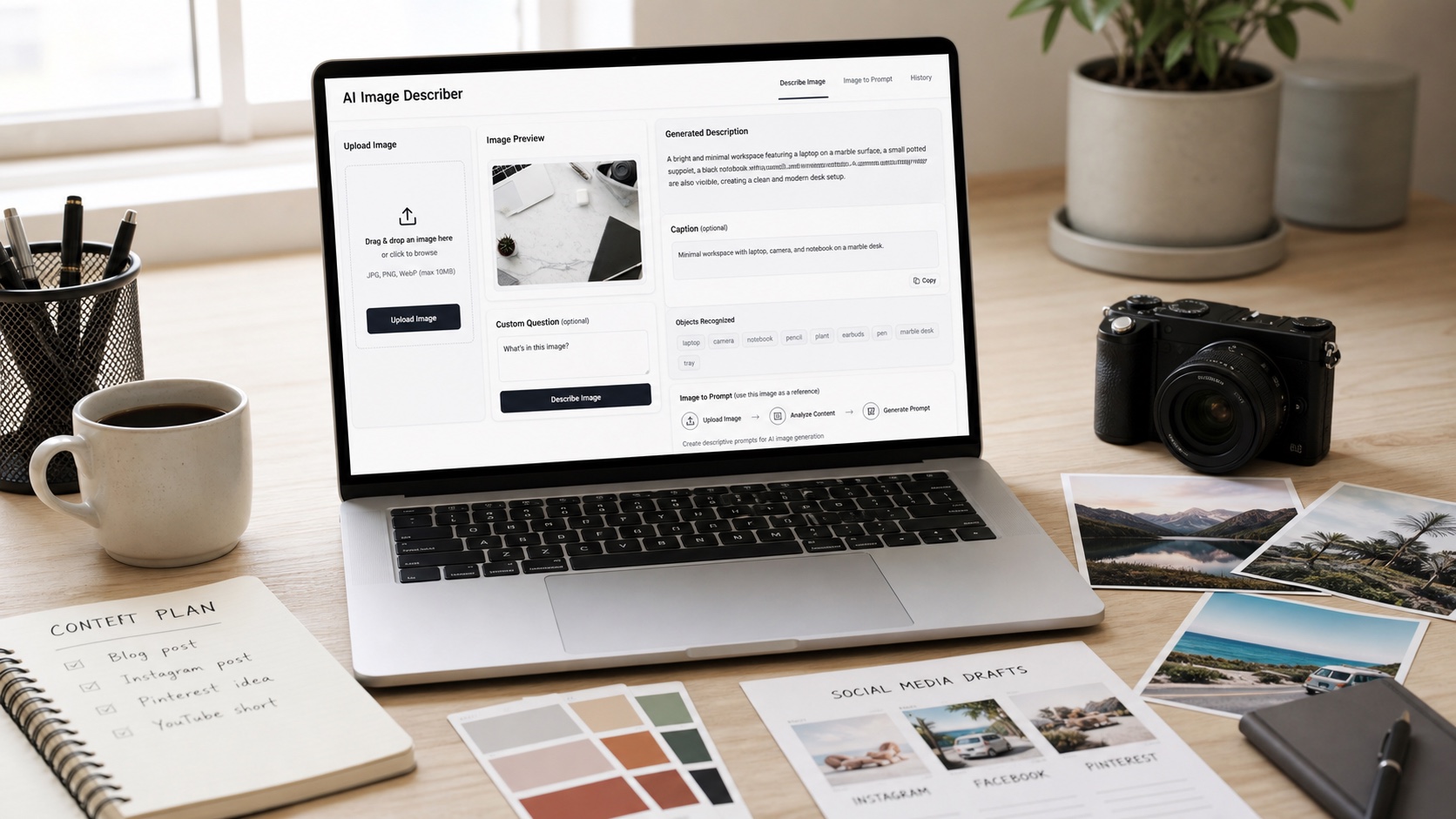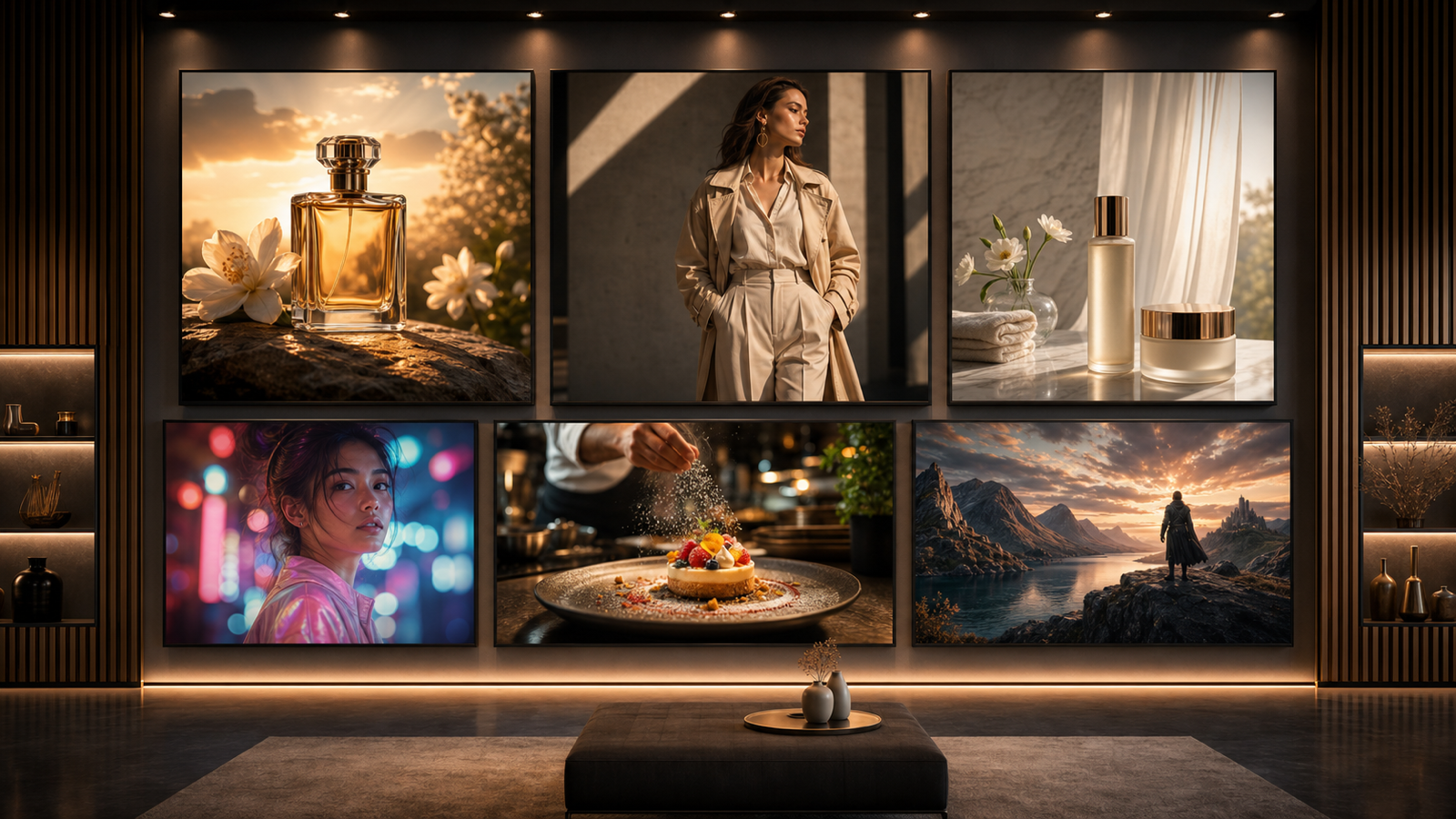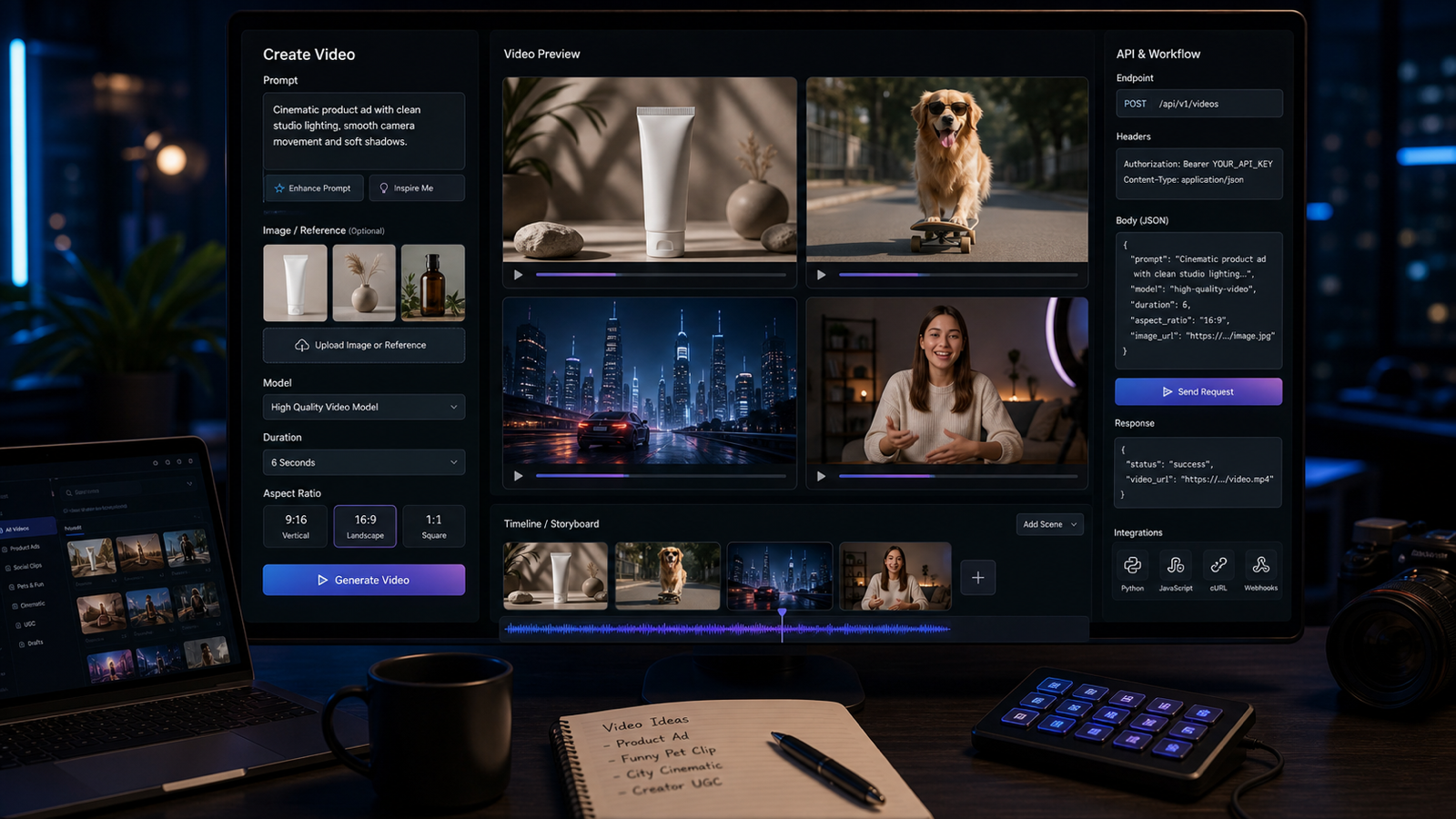
Grok Imagine video prompts work best when they describe a safe, specific short scene instead of asking for a vague viral clip. This guide gives creators, marketers, social video editors, meme creators, product teams, and AI video beginners a practical prompt workflow for Grok Imagine-style video tools, using Chat4o tutorials and Grok-related resources as the learning path.

Current-source note: this guide uses publicly visible Chat4o, Flaq AI, and xAI-related information checked on May 27, 2026. Grok Imagine availability, API access, supported video duration, resolution, pricing, safety rules, commercial usage terms, and content restrictions may change quickly. Verify current terms before publishing, running paid ads, or integrating API workflows.
Quick Summary: What Grok Imagine Video Generation Is
Grok Imagine video generation refers to xAI’s image and video creation direction for making or editing visual content from text prompts and reference images. For creators, the practical idea is simple: describe a scene, give the model a clear motion or edit target, then review the result like a short video draft. The better the prompt defines subject, action, camera, lighting, mood, audio, and safety boundaries, the easier it is to judge and refine.
Chat4o is useful as a learning hub because it provides Grok Imagine-style tutorials, prompt examples, and broader Grok-related model context. The Grok Imagine AI video generation tutorial on Chat4o is the best starting point for beginners who want a guided workflow. The Grok Imagine in 2026 article is better for readers who want recent creator context, and the Grok 4 AI page helps creators explore Grok-related prompting and planning.
For developers, the API path is different. Flaq AI’s Grok Imagine Edit API is positioned as an image editing API: it accepts input images and a prompt, then returns edited image results through an API workflow. That can support scalable creative pipelines, product image variations, reference-frame preparation, and asset editing, but teams should verify whether it fits their exact video, image, or editing use case before building around it.

How to Use Chat4o for Grok Imagine-Style Video Workflows
Use Chat4o as a prompt learning and workflow planning layer before you generate final assets. A beginner can study Grok Imagine prompt examples, adapt them for a product or social clip, then compare Grok-related workflows with other AI models and tools. This is especially helpful when you are still learning how much detail a video prompt needs.
Start with this workflow:
- Read the Chat4o Grok Imagine video tutorial to understand the text-to-video and image-to-video pattern.
- Use Chat4o’s Grok Imagine 2026 guide to check creator-facing context and availability reminders.
- Try Grok 4 AI on Chat4o as a prompt assistant for brainstorming scenes, revising copy, or turning rough ideas into structured prompts.
- Decide whether your clip should start from text only or from a reference image.
- Write one focused prompt with one main action and one camera move.
- Generate, review, and revise based on the visible issue: motion, composition, subject drift, product shape, audio, or unsafe content risk.
For marketers and product teams, keep a prompt log. Save the original prompt, source image, format, duration, model/tool used, and review notes. That makes it easier to repeat a successful product video, meme format, or UGC ad concept later.

Reusable Grok Imagine Prompt Formula
A reusable prompt formula keeps your Grok Imagine video prompts consistent across product ads, memes, UGC clips, cinematic shots, and educational shorts. The formula should make the scene easy to visualize and keep safety boundaries explicit.
Copy this formula:
Create a [duration] Grok Imagine-style AI video for [use case]. Scene: [subject] in [setting]. Action: [one clear movement or event]. Camera: [slow push-in / handheld / orbit / close-up / overhead / tracking shot]. Lighting: [natural / cinematic / studio / neon / warm / dramatic]. Mood: [realistic / funny / meme-like / UGC-style / cinematic / luxury / educational]. Audio: [ambient sound / voiceover / dialogue / product sound / subtle music / no dialogue]. Format: [9:16 / 16:9 / 1:1]. Keep subject consistency, smooth motion, clean composition, and safe non-impersonation content.
This structure is useful because it separates what the video shows from how the video feels. For example, "a cat beside a laptop" is the subject and setting, "camera slowly zooms in" is the camera direction, and "meme-style pacing" is the mood. When a result fails, you can revise one field instead of rewriting the whole prompt.
For image-to-video concepts, add preservation language: "use the uploaded image as the first frame," "do not change product shape," "preserve packaging proportions," or "keep the subject recognizable." For meme-style clips, keep content original and avoid real public figures, impersonation, explicit content, exploitative scenes, or misleading claims.

14 Copy-to-Use Grok Imagine Video Prompts
Use these Grok Imagine video prompts as starting points. Replace the product, scene, format, and CTA based on your campaign or channel. If a product, person, pet, or visual asset must stay consistent, use a reference image when the tool supports it.
1. Skincare Serum Product Video
Create a 9:16 Grok Imagine-style product video for a skincare serum. The bottle sits on a marble bathroom counter with soft morning light and water droplets. Camera slowly pushes in while gentle steam moves in the background. Luxury but natural mood, subtle ambient sound, clean caption space.
Best for beauty teasers and product pages. Avoid medical or guaranteed skin-result claims unless they are substantiated.
2. Funny Pet Meme Clip
Create a funny social video of a cat sitting beside a laptop like it is judging the creator's work. Camera slowly zooms in on the cat's serious face, cozy home office setting, playful music, natural pet movement, meme-style pacing, no text on screen.
Best for social engagement, creator humor, and safe meme-style content with an original animal scene.
3. Cinematic Sneaker Product Video
Generate a cinematic sneaker product video. A futuristic sneaker rotates on a dark studio platform, blue rim lighting, reflective floor, slow orbit camera, smooth motion, premium commercial style, no readable brand text.
Best for ecommerce hero clips and product concept tests where the product shape should stay stable.
4. Portable Blender UGC Ad
Create a UGC-style video for a portable blender. A creator adds fruit and milk, blends quickly, pours the smoothie into a glass, and smiles at the camera. Handheld phone-camera style, bright kitchen lighting, realistic motion, cheerful social ad mood.
Best for short social ads and creator-style product demonstrations.
5. Cinematic City-Night Scene
Create a cinematic city-night scene. A young creator walks through a rainy street, neon reflections on wet pavement, handheld documentary camera, natural expression, soft traffic ambience, realistic urban mood.
Best for mood-driven social clips, music visuals, and cinematic B-roll.
6. Perfume Product Reveal
Generate a perfume product reveal. A perfume bottle sits on a reflective surface with soft flower petals around it. Slow camera tilt, pink and gold lighting, elegant luxury mood, subtle sparkle sound, clean composition, no readable brand text.
Best for luxury product reels and campaign moodboards.
7. Faceless Productivity Video
Create a faceless productivity video. A messy desk becomes clean and organized as notebooks, keyboard, and coffee are arranged neatly. Overhead camera, satisfying quick cuts, natural daylight, calm social media style.
Best for faceless channels, YouTube Shorts, TikTok productivity clips, and B-roll packs.
8. Travel Memory Video
Create a travel memory video. A person stands beside a mountain lake at sunset, jacket moving slightly in the wind, slow push-in camera, cinematic color grading, emotional atmosphere, soft natural ambience.
Best for lifestyle creators, travel recaps, and emotional short-video intros.
9. Coffee Lifestyle Clip
Generate a coffee lifestyle video. A hot coffee cup sits on a wooden cafe table while steam rises and sunlight moves across the surface. Slow cinematic pan, warm lifestyle mood, soft cafe ambience, realistic steam motion.
Best for cafe content, newsletters, morning routines, and cozy social visuals.
10. AI Video Prompting Education Clip
Create a short educational video about AI video prompting. A creator writes "scene + action + camera + lighting + audio" on a notebook, then the shot transitions to a clean video preview panel. Warm desk lighting, calm creator workflow mood, no readable fake interface details.
Best for tutorial creators and AI education posts. Add final captions in your editor rather than relying on generated interface text.
11. Portable LED Lamp Tutorial
Create a product tutorial video for a portable LED lamp. A creator turns on the lamp beside a book, adjusts brightness, and moves it from desk to bedside table. Warm lighting, soft shadows, clear product action, cozy nighttime mood.
Best for product teams that need simple benefit-led demonstrations.
12. Original Toy Meme Video
Generate a playful meme-style video of a tiny robot toy rolling across a messy desk, stopping beside a coffee mug, and looking "confused." Close-up camera, playful tech mood, gentle mechanical sound, safe original character design.
Best for original meme concepts. Keep the character generic and avoid copyrighted robots, mascots, or celebrity references.
13. Matcha Food Close-Up
Create a food close-up video. Matcha pours into milk over ice, the creator stirs slowly, and condensation forms on the glass. Close-up camera, bright natural light, satisfying liquid motion, gentle kitchen sounds.
Best for food creators, cafe brands, and sensory short-form content.
14. Product Photo Image-to-Video Concept
Create an image-to-video concept for a product photo. Animate the product with a subtle camera push-in, soft background light movement, realistic shadows, slight environmental motion, premium commercial style, no changing product shape.
Best for ecommerce teams that already have a clean product photo and want controlled movement.
These Grok Imagine AI video examples are intentionally short and specific. For better outputs, generate one clip per idea, review it carefully, then revise the weakest field instead of adding more adjectives.

Prompt Refinement Tips for Better Grok Imagine AI Video Examples
Refinement matters more than prompt length. When an output is close but not usable, make the prompt simpler and more directional. Grok Imagine-style tools can struggle when a short clip asks for too many actions, too many locations, or too many visual transformations.
Use these practical fixes:
- If the subject changes shape, use a stronger reference image and say "preserve the subject's shape, color, and main details."
- If the motion is chaotic, reduce the prompt to one action and one camera move.
- If the model adds messy text, say "no readable text" and add captions in an editor.
- If a meme idea feels unsafe, replace real people, brands, or public figures with original characters, pets, objects, or fictional scenes.
- If a UGC ad looks too polished, ask for "handheld phone-camera style" and "natural room lighting."
- If a product video loses accuracy, use image-to-video and ask for subtle environmental motion instead of complex object transformation.
- If audio distracts, request ambient sound or no dialogue, then add final voiceover later.
For teams, create a small prompt testing grid. Test one prompt as 9:16, 16:9, and 1:1. Test one version with audio and one without audio. Test one text-only version and one reference-image version. The comparison will teach you more than a single lucky generation.

When to Use Flaq AI’s Grok Imagine Edit API
Use the Grok Imagine Edit API on Flaq AI when your workflow needs API-style image editing, creative asset preparation, or scalable integration. The Flaq page positions the endpoint as an image-to-image editing API where developers can send input images and a prompt, then poll for the result. That is useful for teams that need consistent visual edits before or alongside video production.
This API recommendation is best for:
- Product teams preparing edited reference images for image-to-video concepts.
- Creative teams generating many safe product, background, or style variations.
- Developers building internal review tools or batch creative workflows.
- Agencies that need repeatable prompt-based image edits before final video generation.
- Teams that want a structured API workflow instead of only manual web generation.
Do not assume that an image editing API automatically covers every video generation need. If your production requirement is direct video output, duration control, resolution guarantees, commercial rights, or ad-safe delivery, verify the current Flaq AI and xAI documentation before integration. Treat API access as a production decision, not just a prompt experiment.

Safe Content, Rights, and Publishing Checks
Safe publishing is part of the workflow, not an afterthought. Grok Imagine availability, pricing, safety settings, content policies, and commercial terms can change, and generated videos can still contain visual mistakes. Review every output before using it in public content or paid ads.
Check these items before publishing:
- Commercial usage terms for the current tool, model, plan, and API endpoint.
- Rights to uploaded images, product photos, logos, packaging, music, voices, and reference material.
- Public/private generation settings before uploading sensitive assets.
- Watermark, export quality, duration, resolution, and file format.
- Safety rules around public figures, minors, explicit content, deception, political content, and impersonation.
- Product claim accuracy, especially for beauty, health, finance, performance, safety, pets, and children.
- Ad platform rules for TikTok, Instagram, YouTube, Meta, Google, and marketplace placements.
- AI disclosure requirements for your platform, region, client, or brand policy.
Avoid unsafe deepfakes, celebrity impersonation, explicit or exploitative content, misleading edits, and fake endorsements. For meme creators, the safest route is original characters, pets, objects, fictional scenes, and clearly non-deceptive humor.

Recommended Reading for Chat4o, Grok Imagine, and API Workflows
Use these resources when you want deeper context, current availability information, or API-oriented details.
Related articles:
- Grok Imagine AI Video Generation on Chat4O: A Step-by-Step Tutorial + Ready-to-Use Prompts
- Grok Imagine in 2026: xAI's Latest News, Creator Push, and Where to Try Grok 4
- ChatGPT vs Grok vs Claude vs Gemini in 2026: Which AI Actually Leads Where?
- Seedance 2.0 Video Prompts & Workflow: A Creator's Guide
- Vidu Q3 AI: Practical Guide to the Next AI Video Workflow
- Discover Grok 4 AI - Elon Musk's Next-Gen AI Model, Now on Chat4o
People also read:
- Grok Imagine API
- Grok Video Generation Docs
- Grok Imagine by xAI
- Grok by xAI
- Grok Imagine on fal.ai
- Stable & Affordable xAI Grok Imagine Edit API
For most creators, start with Chat4o prompt learning and manual experimentation. For production teams, add documentation checks and API evaluation before committing to a scaled workflow.

FAQ: Grok Imagine Video Prompts, Chat4o, and API Access
What is Grok Imagine video generation?
Grok Imagine video generation refers to xAI’s direction for creating or editing visual content with prompts and reference images. Availability, supported formats, safety rules, and access paths can change, so check current xAI, Chat4o, and API documentation before relying on a workflow.
Can Chat4o help me make better Grok Imagine video prompts?
Yes. Chat4o is useful for learning Grok Imagine-style workflows, studying ready-to-use prompts, planning scenes with Grok 4 AI, and comparing Grok-related tools with other AI models. Treat it as a practical learning and prompt-development hub.
Is there a Grok Imagine API?
API options may vary by provider and use case. Flaq AI offers a Grok Imagine Edit API for image editing workflows, while xAI-related API availability should be verified through current official documentation before integration.
What prompts work best for Grok Imagine-style short videos?
The best prompts describe one subject, one setting, one action, one camera move, lighting, mood, audio, format, and safety boundaries. Product clips, UGC demos, pet memes, food close-ups, city scenes, and image-to-video concepts all work better when the motion is specific.
What content should I avoid?
Avoid unsafe deepfakes, celebrity impersonation, non-consensual likeness use, explicit or exploitative content, misleading product claims, fake endorsements, and copyrighted characters or brand assets unless you have rights. Use original scenes, fictional characters, pets, objects, and safe humor instead.

Conclusion: Build a Safe Grok Imagine Prompt Library
The best grok imagine video generation workflow is repeatable: learn the pattern on Chat4o, write prompts like short creative briefs, generate one focused scene, review the output, and refine only the weakest part. Keep your prompts specific, safe, and non-impersonating.
Creators can use the prompts above for product videos, social clips, memes, UGC ads, cinematic scenes, image-to-video concepts, and educational shorts. Developers and creative teams can evaluate Flaq AI’s Grok Imagine Edit API when image editing, reference-frame preparation, or scalable creative workflows matter. Before publishing or integrating, verify current access, rights, safety rules, pricing, API terms, and commercial usage details.